
All writing · 14 Apr 2026 · 5 min read
The Caveman Trick: Cutting Claude Code Tokens by 75%
A viral skill makes Claude drop articles, pleasantries, and hedging — the 20k-star repo that teaches an LLM to grunt. I tested all four intensity modes on a buggy Python file. Here is what actually changed.
I saw the Caveman Claude Code skill on Reddit with 12,000 upvotes and almost scrolled past. Another joke project — teach Claude to talk like a Neanderthal, save tokens, move on. Then I actually installed it and watched my output tokens drop by two-thirds. Still a meme. Also working.
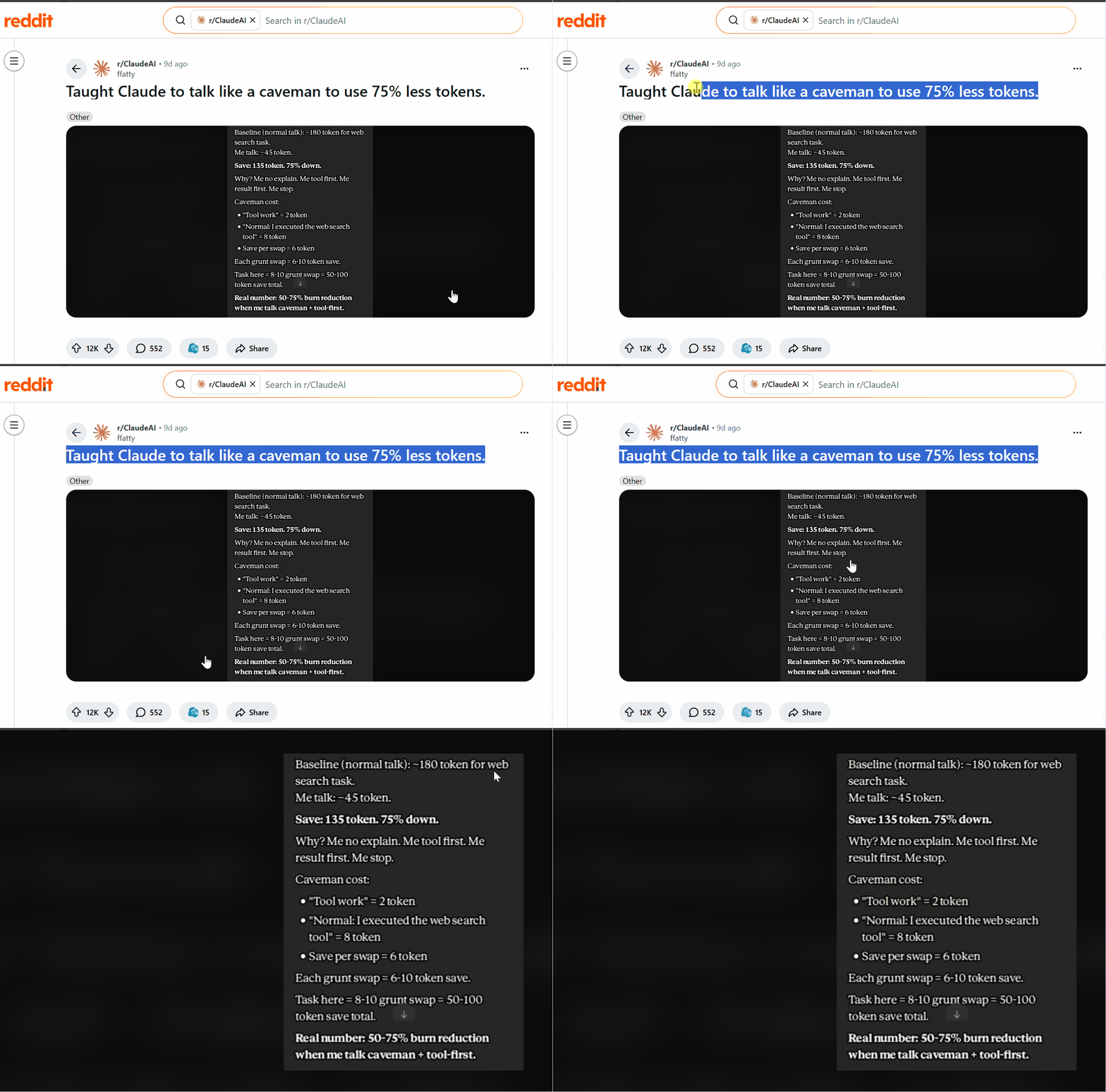
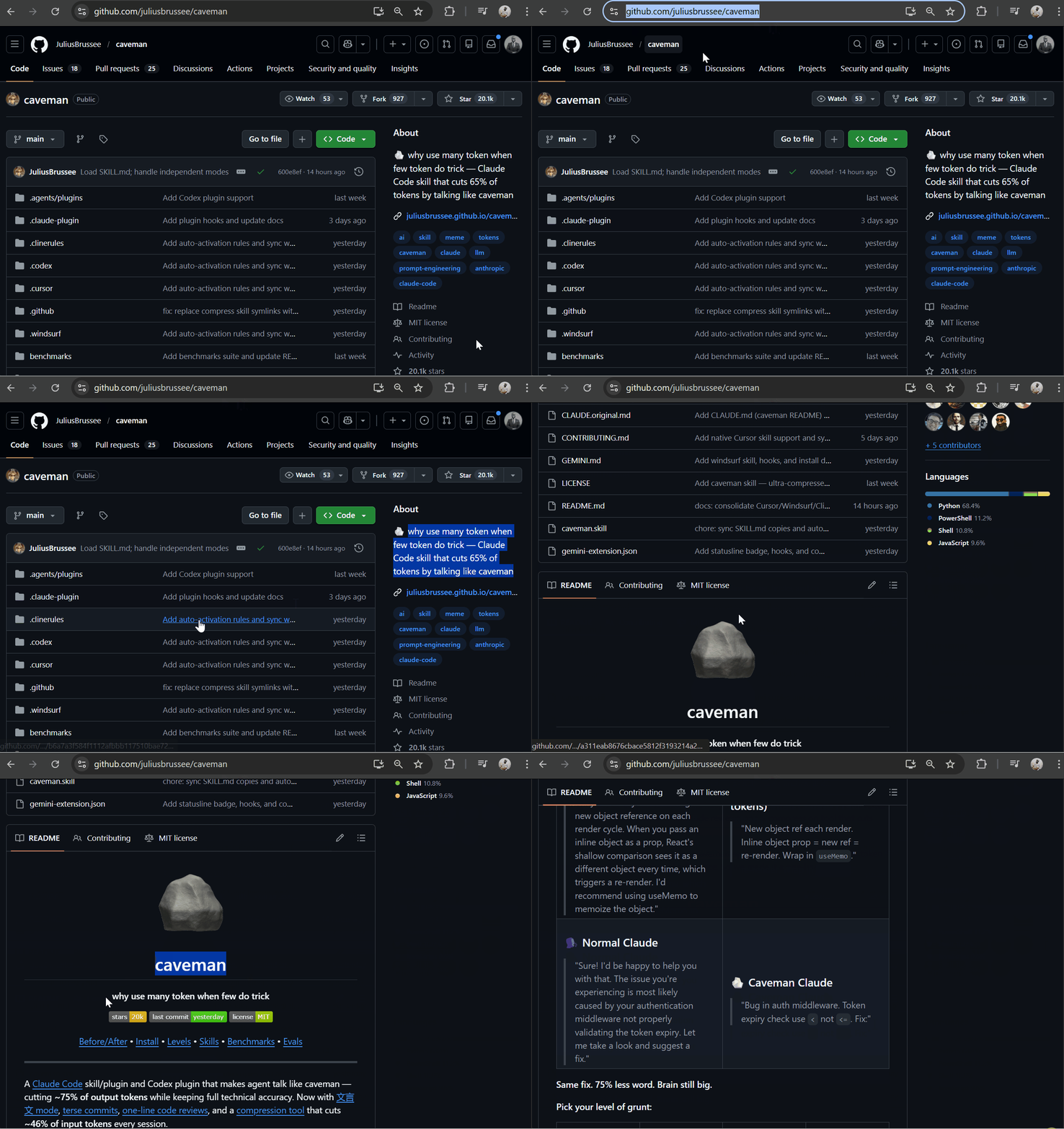
The premise is stupid on purpose. Claude Code burns tokens on pleasantries — "I'd be happy to help you with that," three-paragraph explanations you never asked for, hedging in every sentence. The caveman skill by Julius Brussee forces Claude to strip all of it: no articles, no filler, no "let me explain." The repo has 20.1k stars at the time of writing and hit #1 trending on GitHub and Hacker News.
There's an actual research backbone under the meme — the March 2026 paper Brevity Constraints Reverse Performance Hierarchies in Language Models found that forcing concise output improved accuracy by 26 percentage points on certain benchmarks. Large models talk themselves into wrong answers through over-elaboration. Caveman is just that finding weaponised.

Before and after
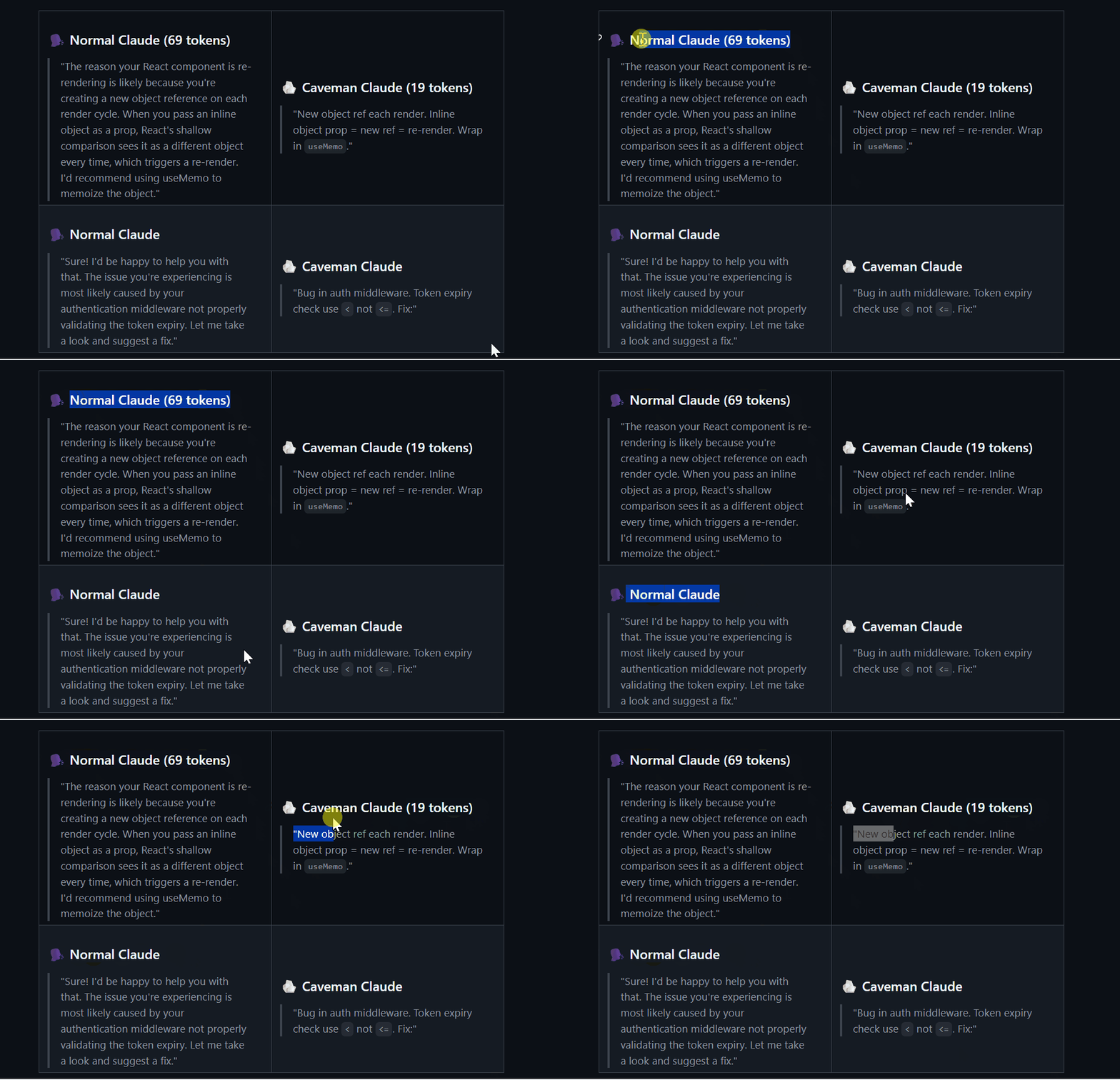
Ask normal Claude why a React component keeps re-rendering:
The reason your React component is re-rendering is likely because you're creating a new object reference on each render cycle. When you pass an inline object as a prop, React's shallow comparison sees it as a different object every time, which triggers a re-render. I'd recommend using useMemo to memoize the object. — 69 tokens
Ask caveman Claude:
New object ref each render. Inline object prop = new ref = re-render. Wrap in useMemo. — 19 tokens
Same answer. 72% fewer tokens. Code generation, tool calls, and internal reasoning are untouched — only the prose wrapping changes.
Installing it
Two options. I used the plugin route.
Plugin install (recommended):
claude plugin marketplace add JuliusBrussee/caveman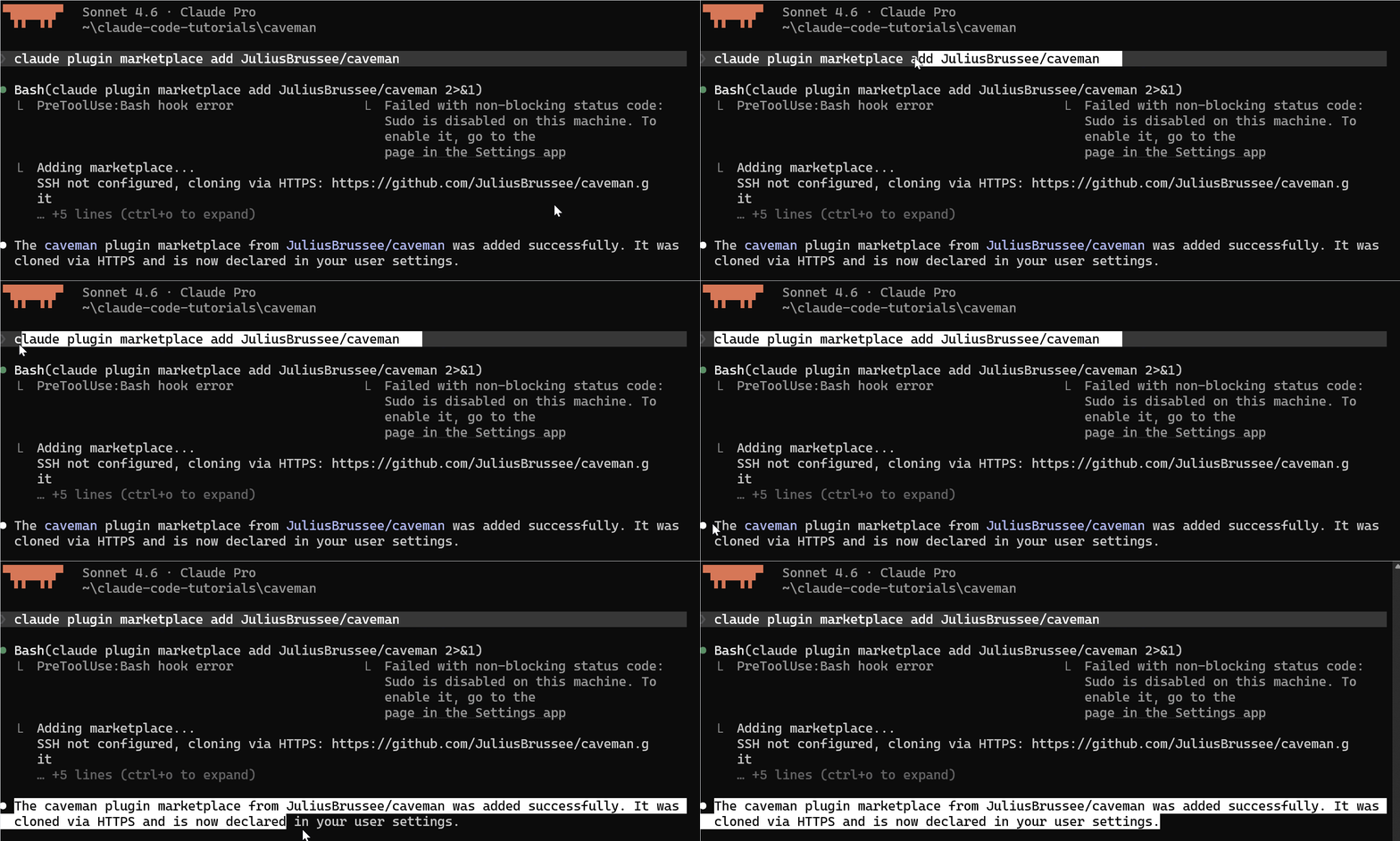
Then install the plugin itself:
/plugin install caveman@caveman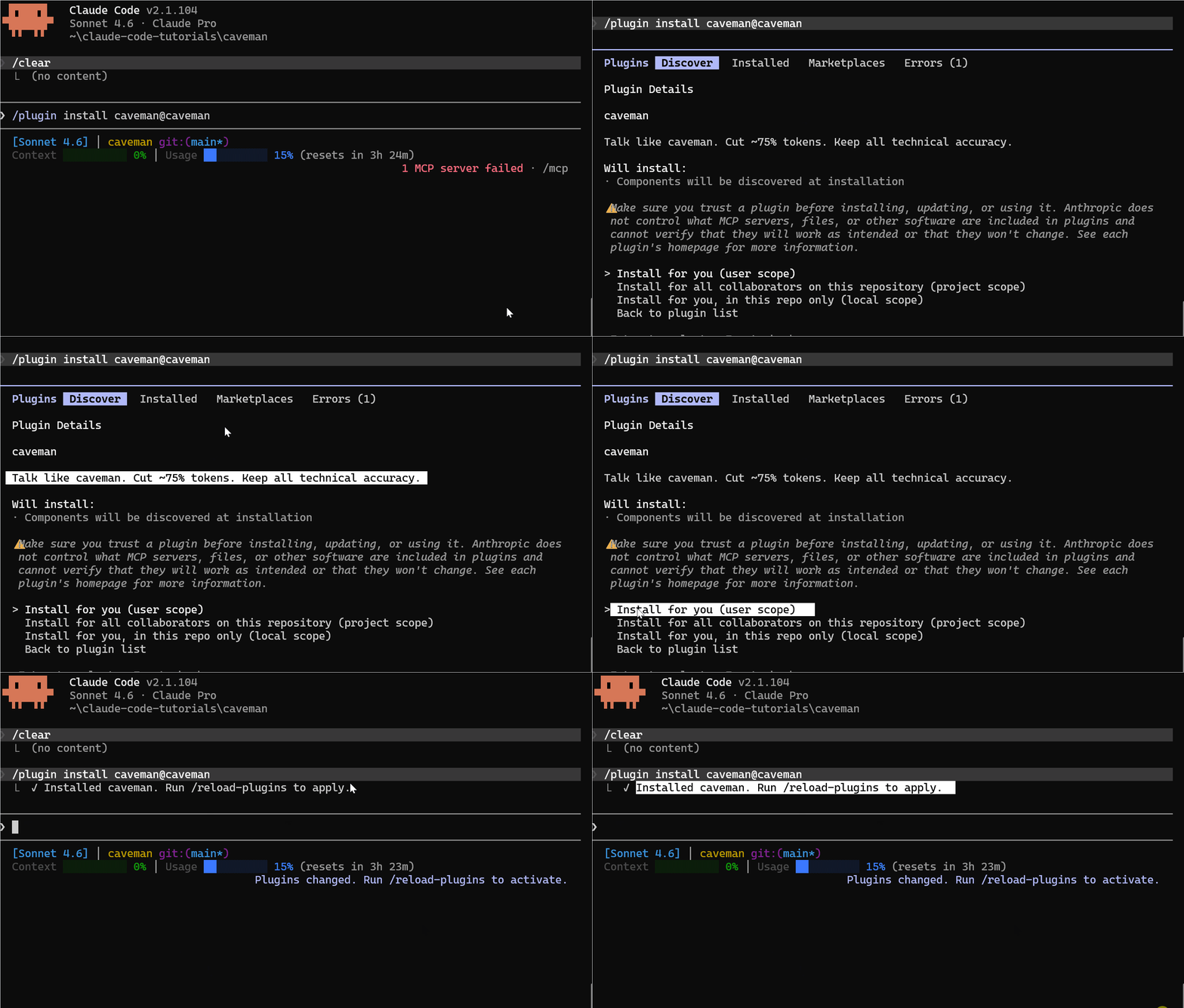
Reload plugins and you should see caveman in the loaded list:
/reload-plugins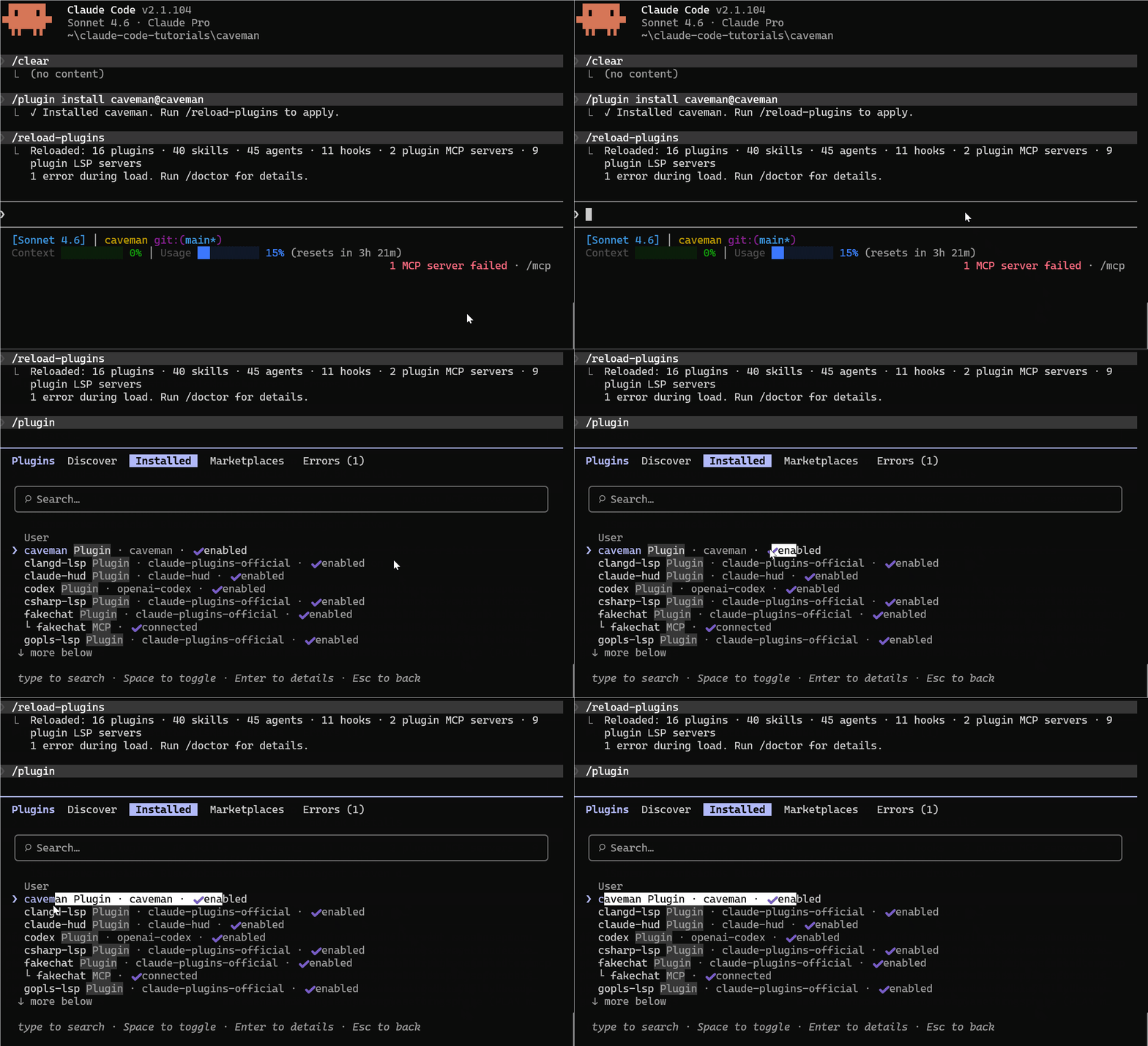
Standalone install (no plugin system):
# macOS / Linux / WSL
bash <(curl -s https://raw.githubusercontent.com/JuliusBrussee/caveman/main/hooks/install.sh)

# Windows PowerShell
irm https://raw.githubusercontent.com/JuliusBrussee/caveman/main/hooks/install.ps1 | iex
Using it
Caveman registers a handful of slash commands:
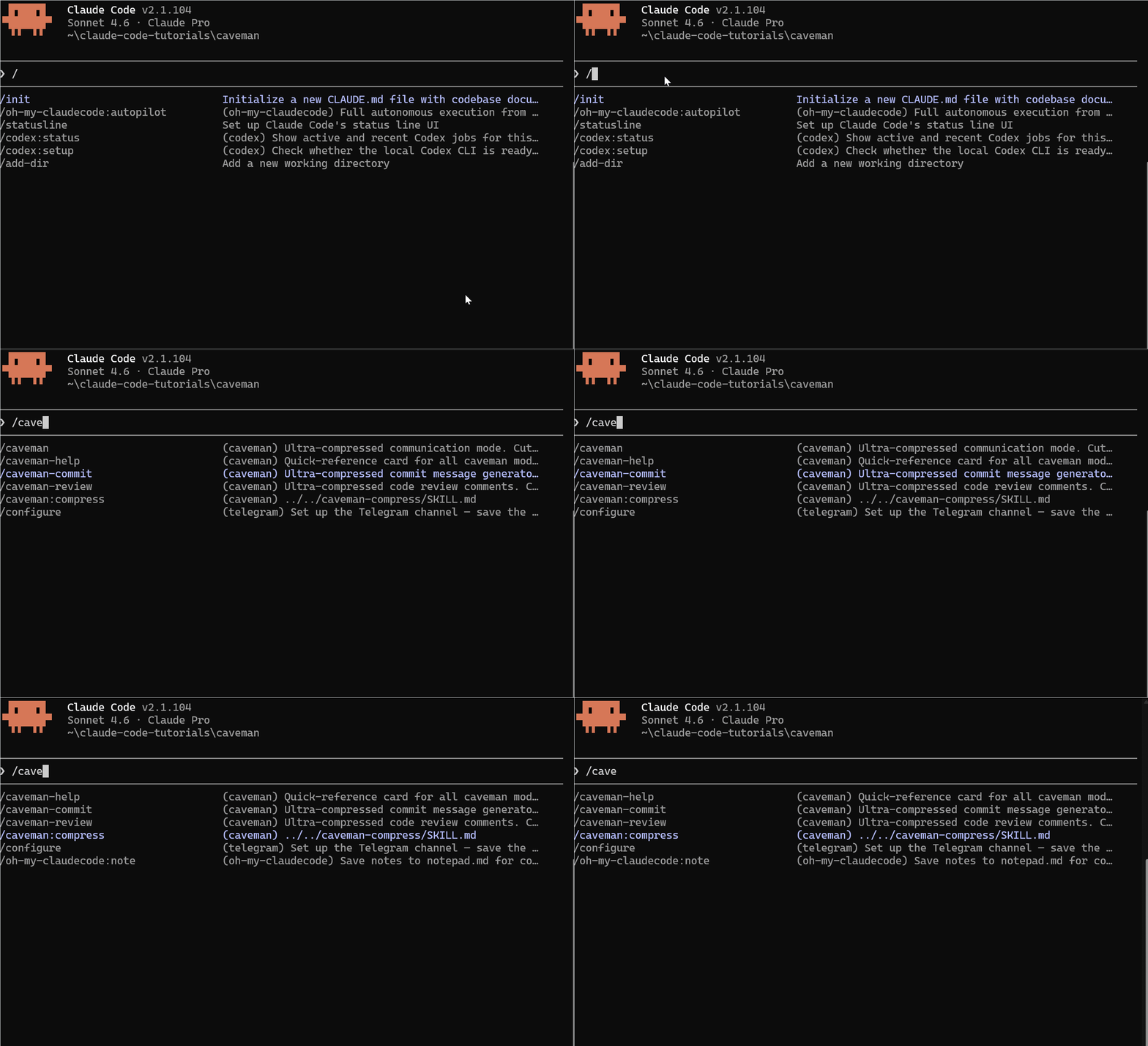
The caveman namespace is where the interesting stuff lives — /caveman, /caveman-help, /caveman-commit, /caveman-review:
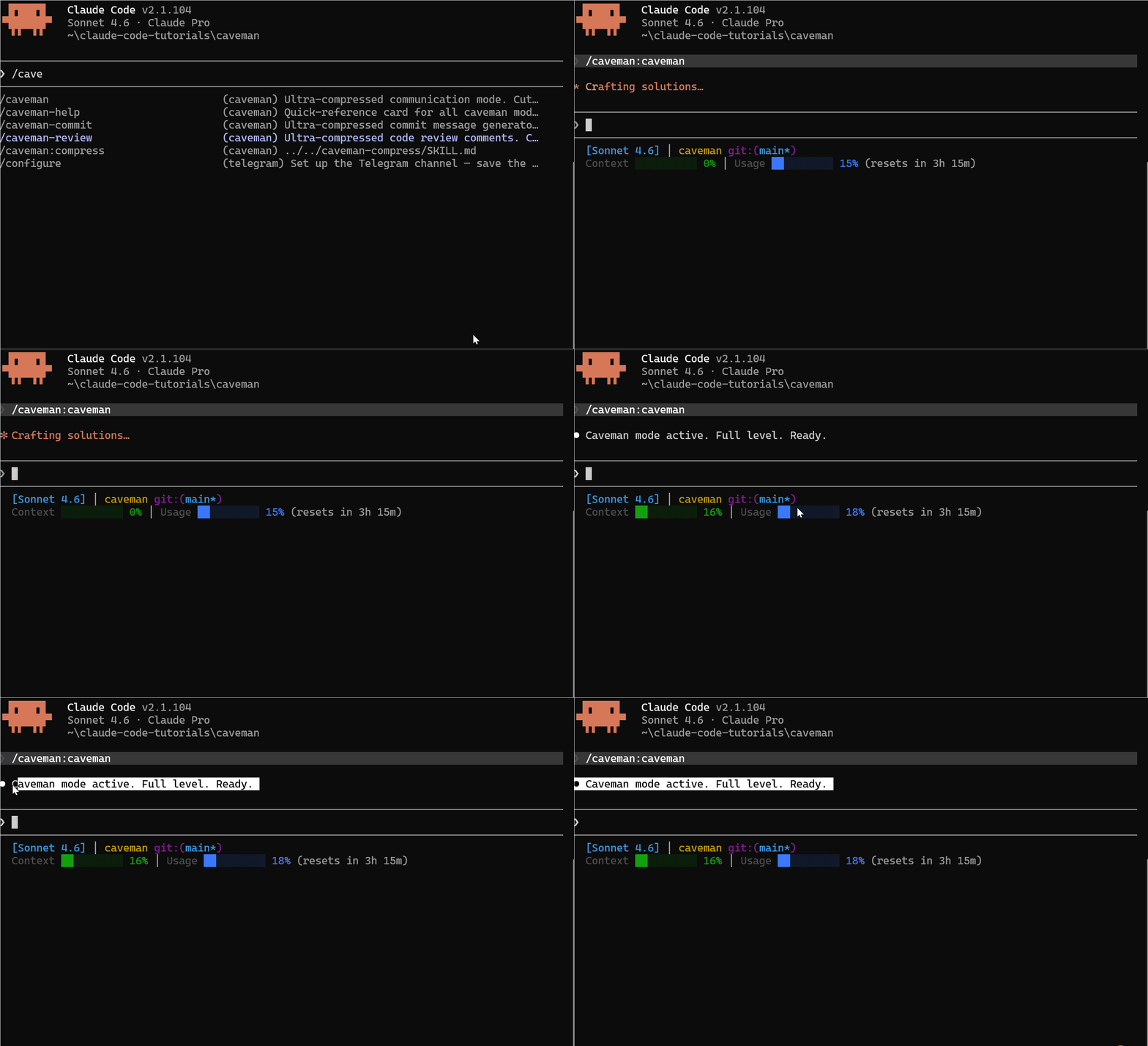
Trigger it any of these ways:
/caveman- "talk like caveman"
- "caveman mode"
- "less tokens please"
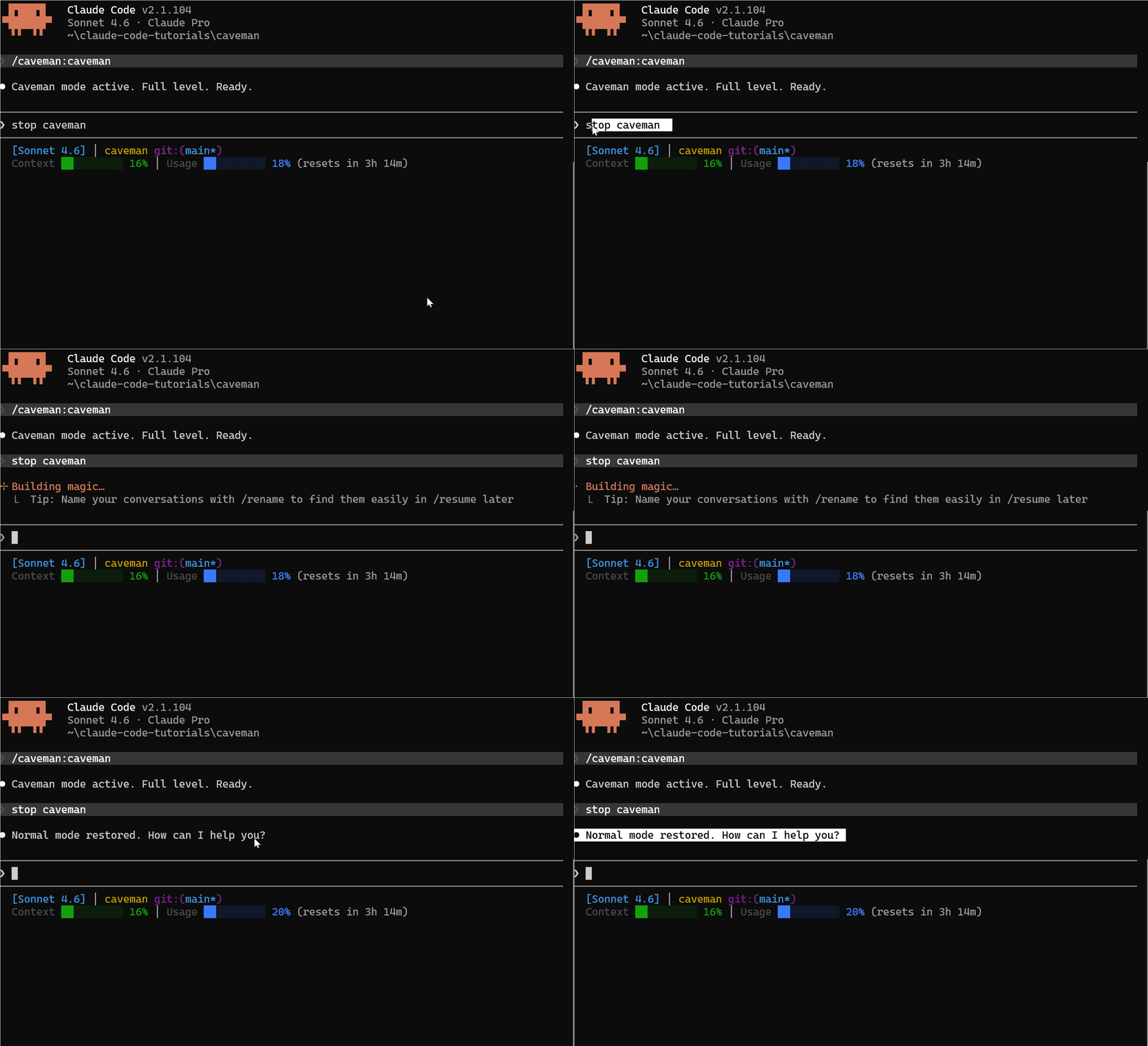
Stop with stop caveman or normal mode.
Intensity levels
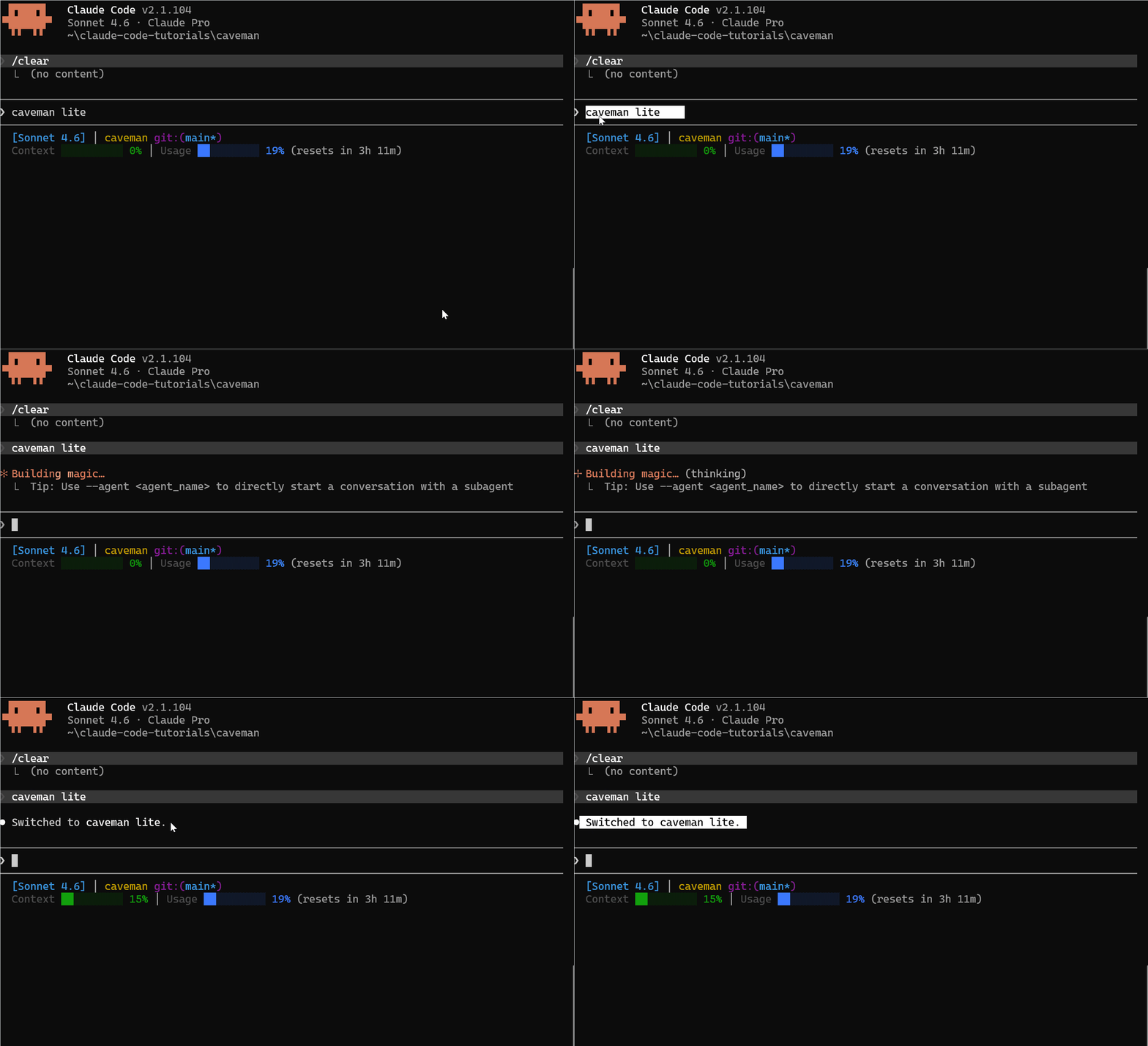
Caveman has three levels: lite, full, ultra. Switch by saying caveman lite or caveman ultra mid-prompt.
| Mode | What it drops | Feel |
|---|---|---|
| Normal | Nothing | Default Claude |
| Lite | Filler, hedging — full sentences stay | Polite but blunt |
| Full | Articles (a/an/the), long phrases | Terse, still readable |
| Ultra | Almost everything non-essential, arrows replace words | Telegraphic |
The real test
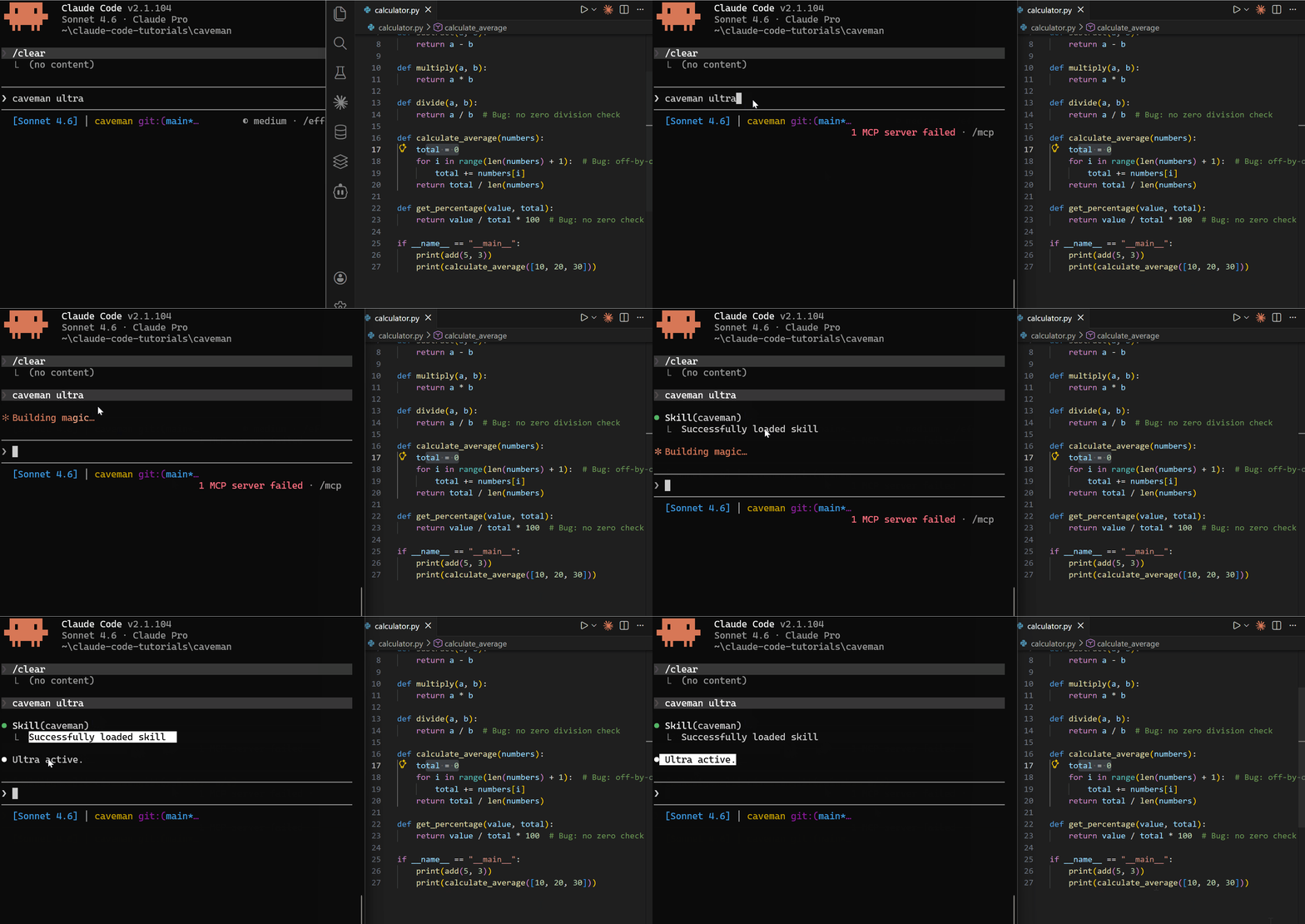
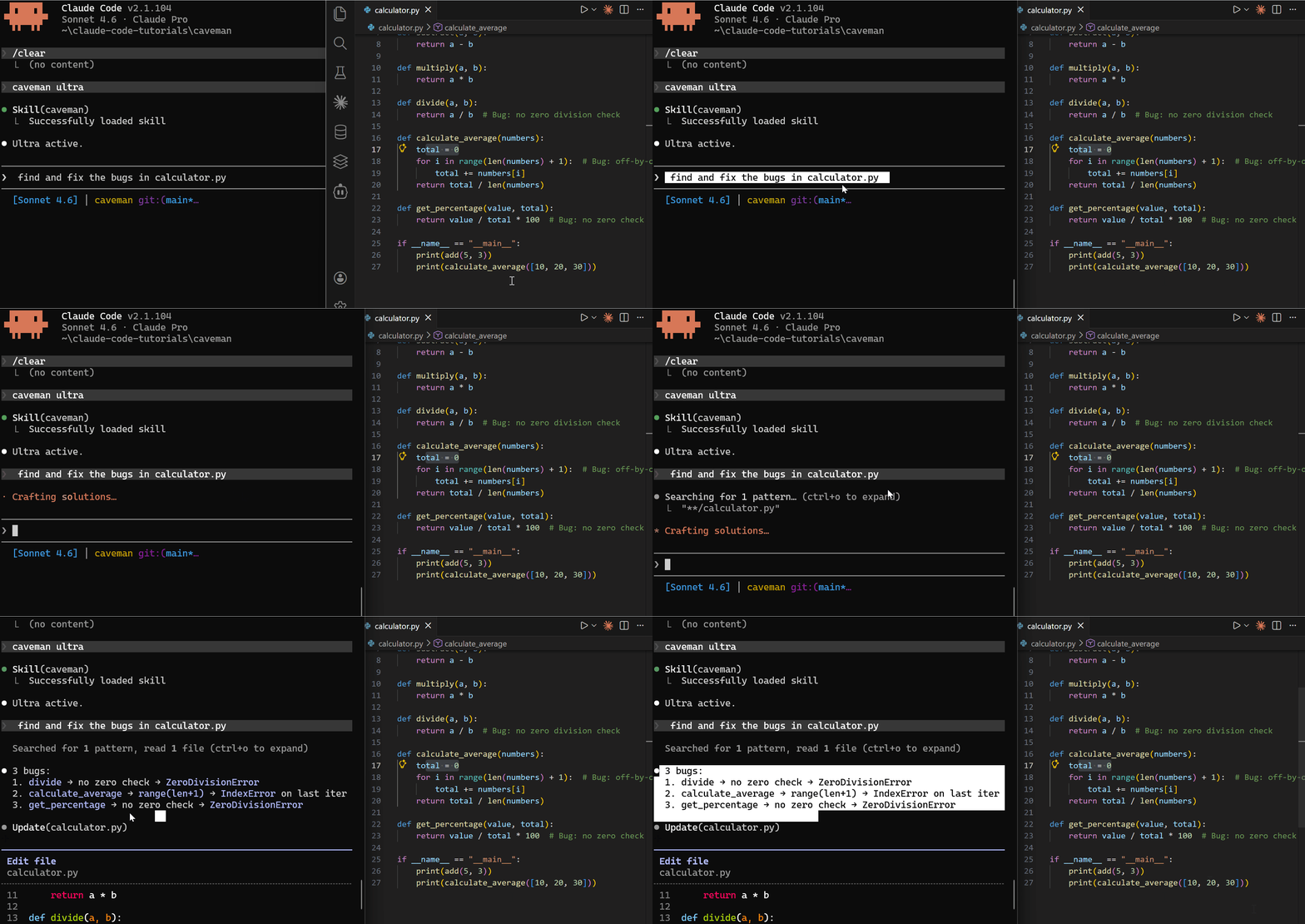
I made a Python calculator with three intentional bugs and ran the same prompt — "find and fix the bugs in calculator.py" — through all four modes.
def divide(a, b):
    return a / b  # no zero check

def calculate_average(numbers):
    total = 0
    for i in range(len(numbers) + 1):  # off-by-one
        total += numbers[i]
    return total / len(numbers)

def get_percentage(value, total):
    return value / total * 100  # no zero check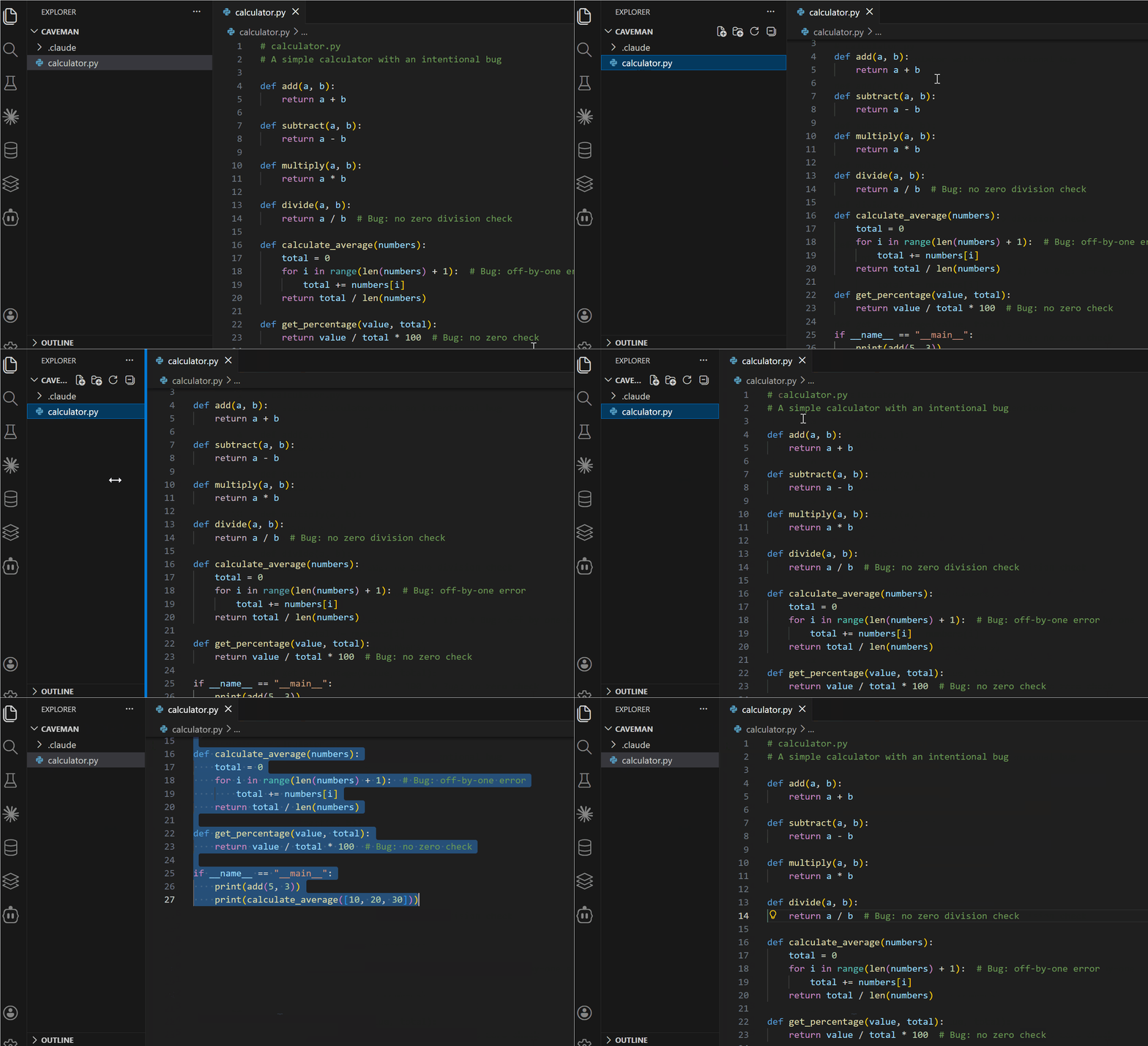
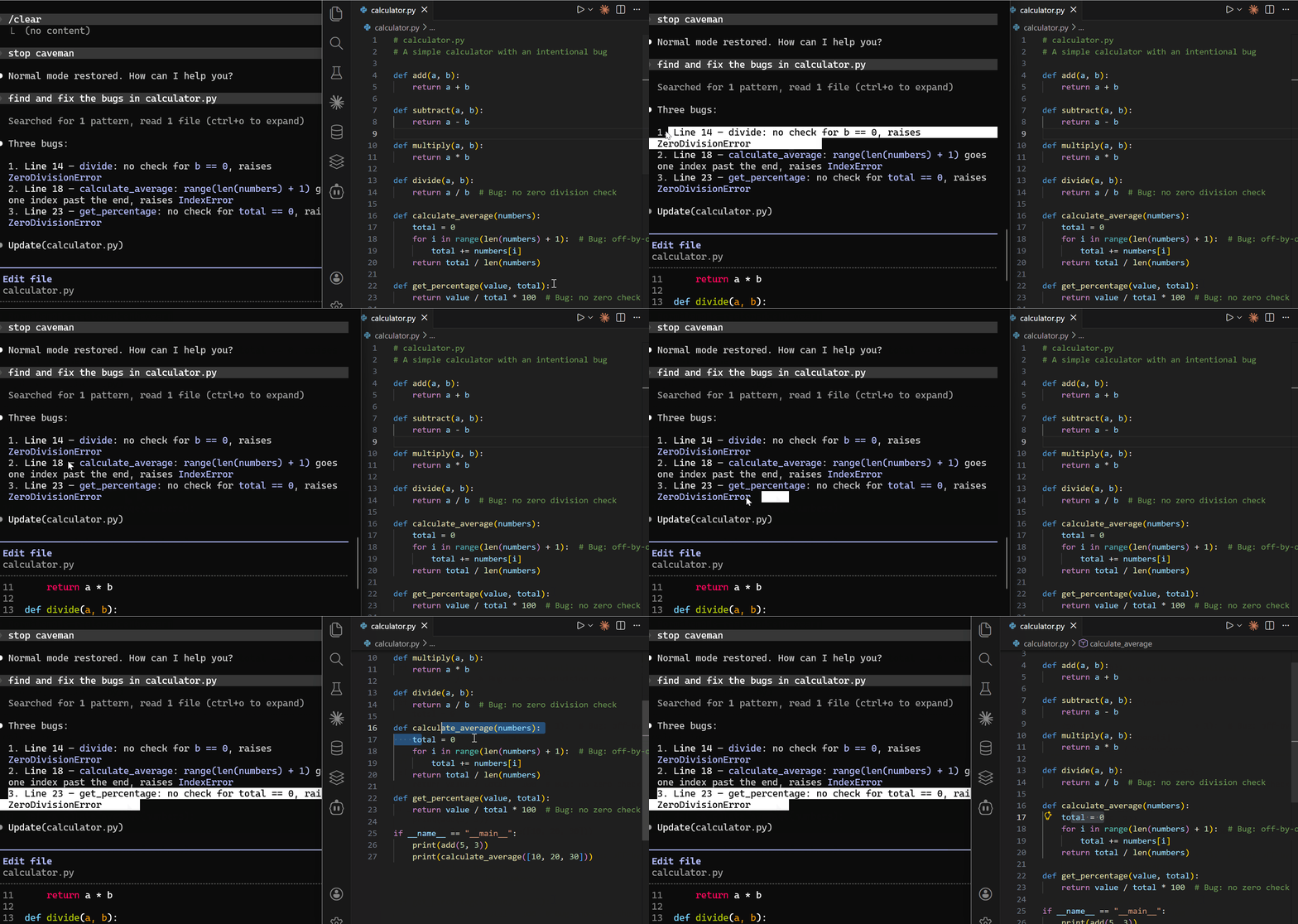
Normal mode
Verbose, readable, finds all three:
Three bugs:

1. Line 14 — divide: no check for b == 0, raises ZeroDivisionError
2. Line 18 — calculate_average: range(len(numbers) + 1) goes one
   index past the end, raises IndexError
3. Line 23 — get_percentage: no check for total == 0, raises
   ZeroDivisionError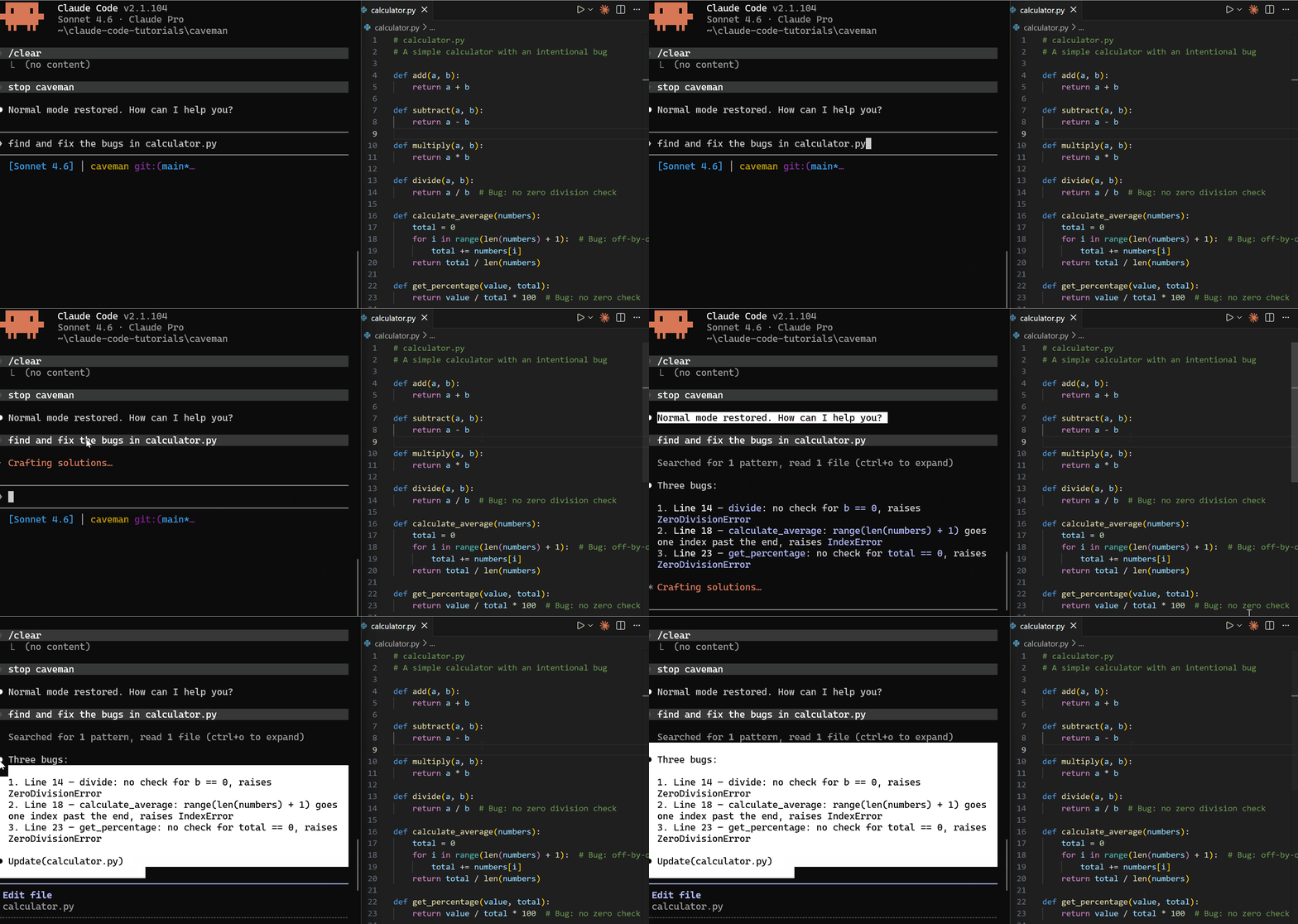
Lite mode
Drops the padding, keeps cause-and-effect with arrows:
Three bugs found:

1. divide — no zero division check → ZeroDivisionError
2. calculate_average — range(len(numbers) + 1) is off-by-one →
   IndexError on last iteration
3. get_percentage — no zero check on total → ZeroDivisionError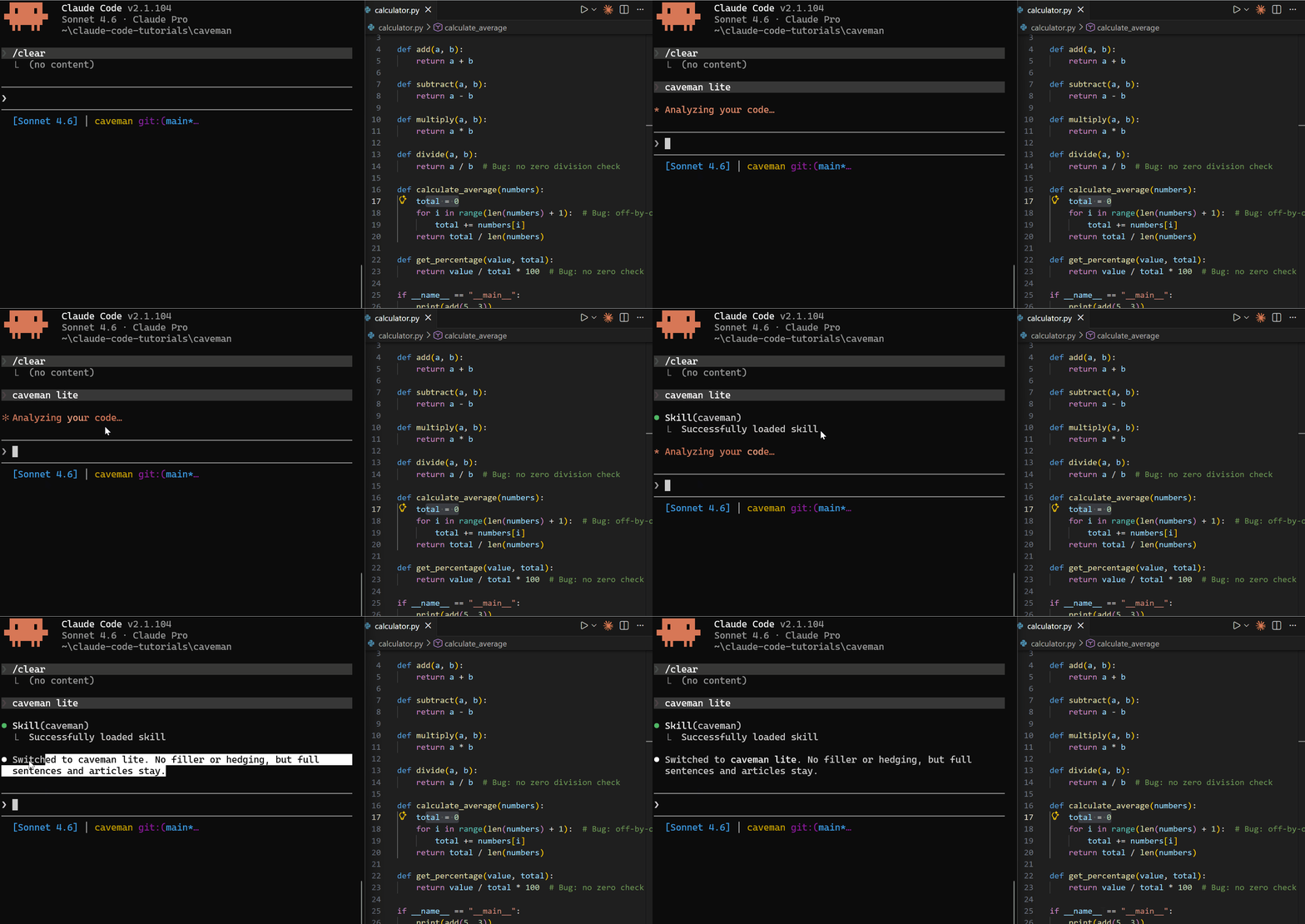
Full mode
Articles gone, phrases tightened. Same bugs, shorter:
3 bugs found:

1. divide: no zero check → ZeroDivisionError
2. calculate_average: range(len(numbers) + 1) → IndexError on
   last iteration
3. get_percentage: no zero check → ZeroDivisionError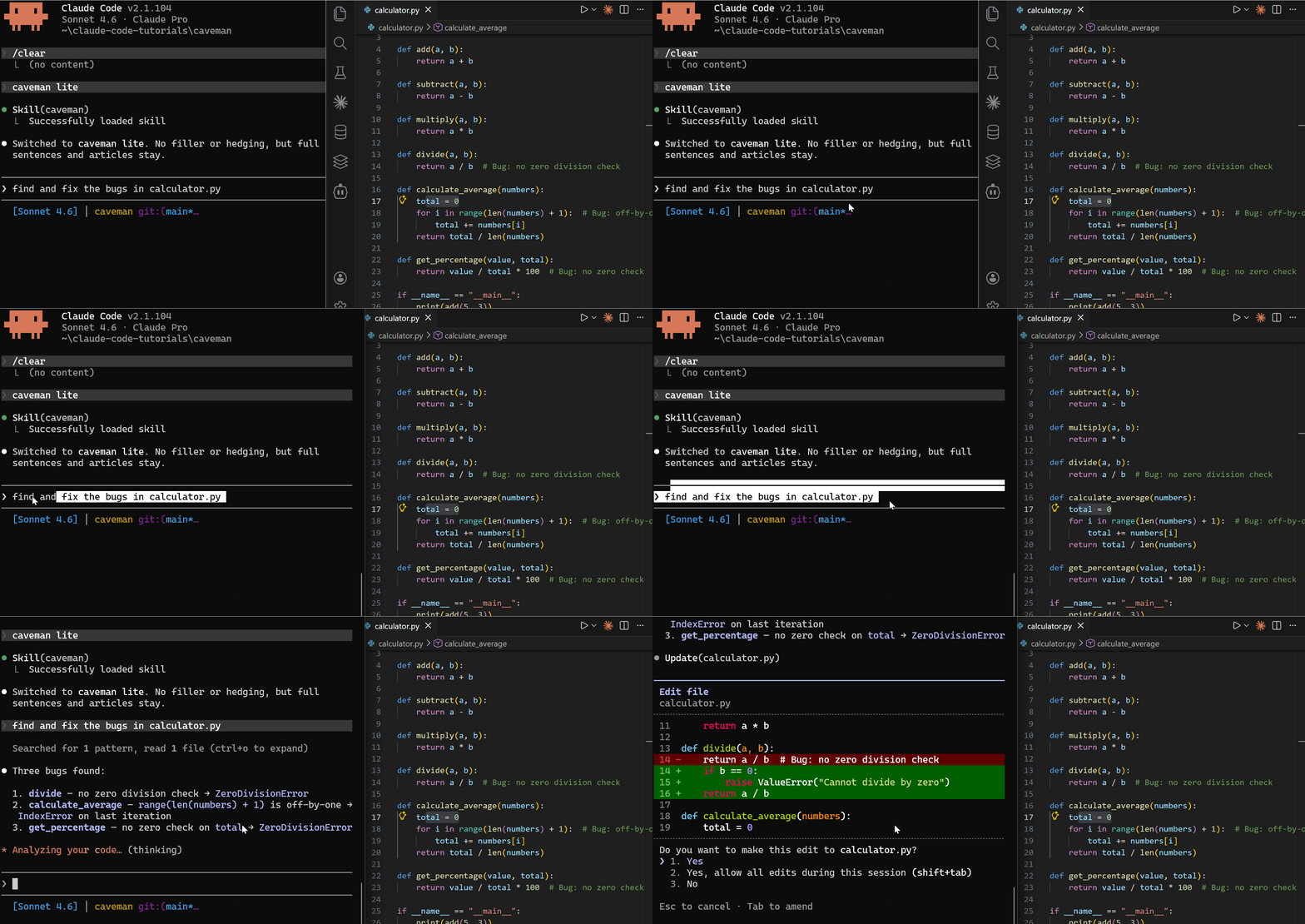
Ultra mode
Stripped to primitives. range(len+1). last iter. Maximum compression:
3 bugs:

1. divide → no zero check → ZeroDivisionError
2. calculate_average → range(len+1) → IndexError on last iter
3. get_percentage → no zero check → ZeroDivisionError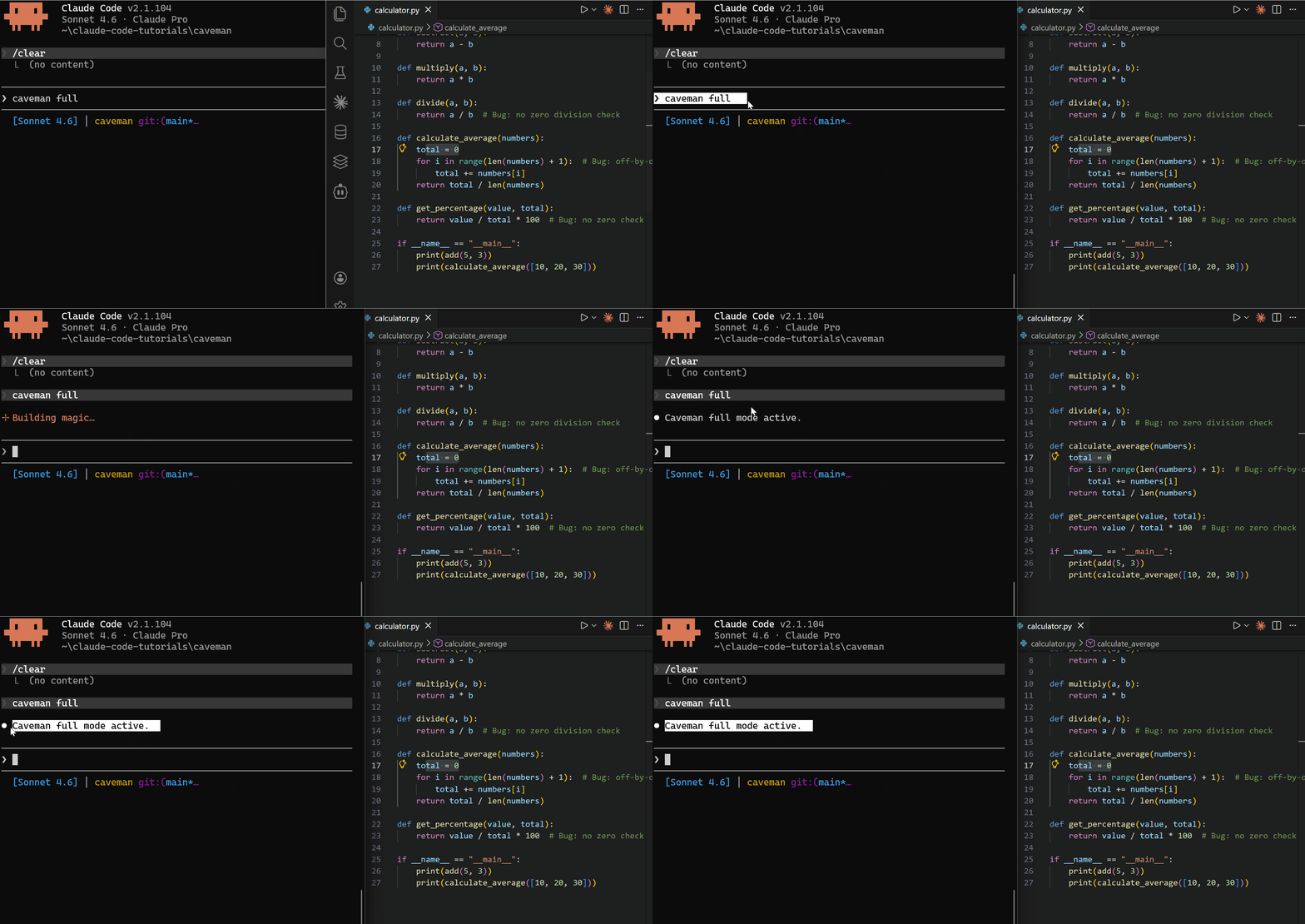
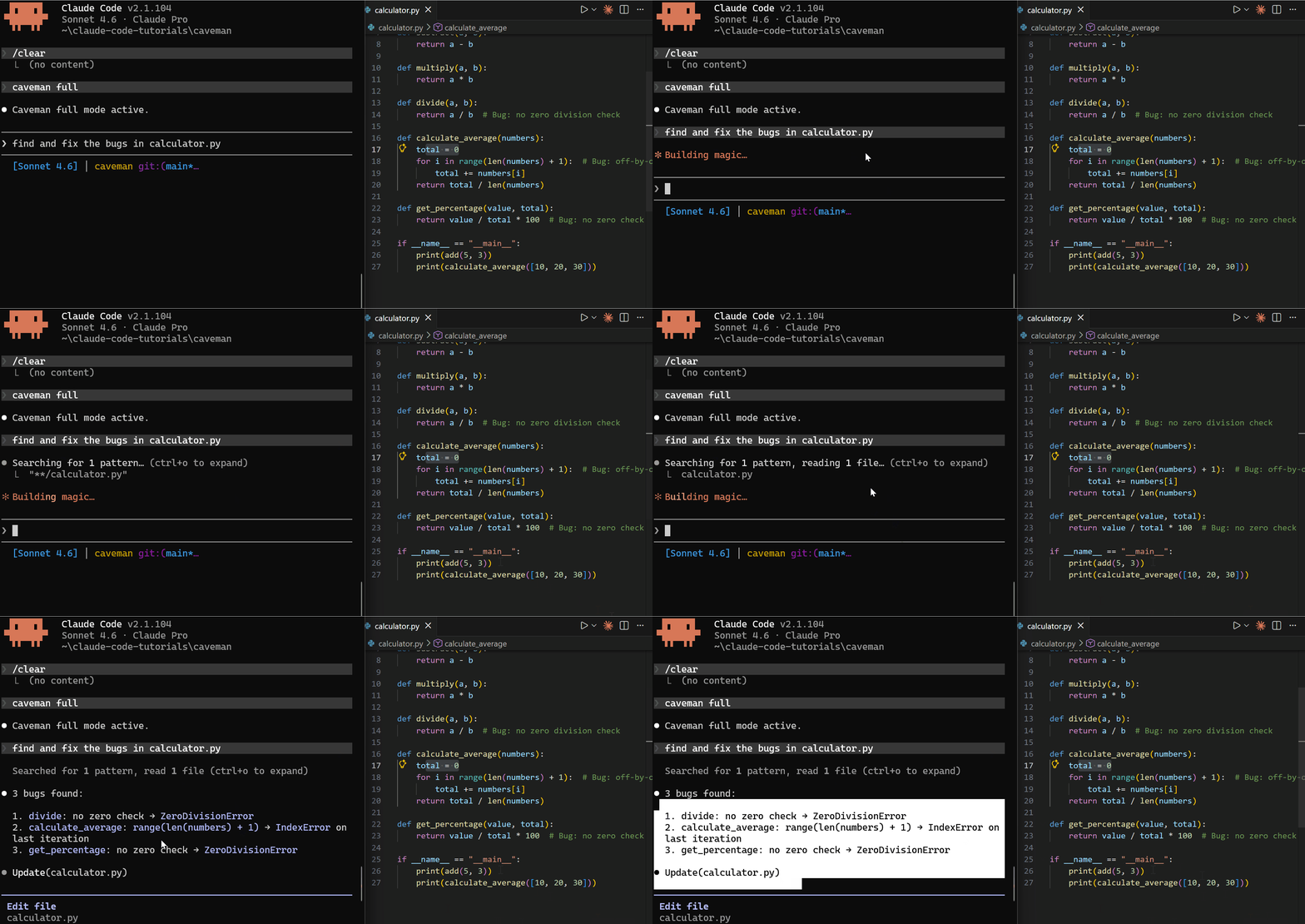
All four modes found the same three bugs and applied the same fixes. The only variable is how much prose Claude wraps around the answer.
When I'd actually use it
Honestly? Not all the time. Caveman is excellent when you're in a tight debugging loop — fast iteration, a lot of short questions, no need for explanations. It's a bad fit when you want Claude to teach you something, document a decision, or write a PR description someone else will read.
Pro tip: Pair caveman with a fresh
/clearat the start of each debugging session. The token savings compound when your context stays small.
The paper's finding is the interesting part, not the meme. Forcing concise output made the model more accurate, not less — which lines up with every time I've watched Claude talk itself out of a correct answer by over-explaining. Caveman is a loud, unserious way to hit a real behavioural lever.
Key takeaways
- ~75% fewer output tokens on prose-heavy responses — code and tool calls unchanged
- Four modes: Normal, Lite, Full, Ultra — switch mid-conversation
- Same answer quality in my test (3/3 bugs found at every level)
- Best for: debugging loops, repeated queries, cost-sensitive pipelines
- Worst for: teaching, documentation, anything a human will read later
If you want to learn working with Claude Code better, visit the course page.
Claude Code · AI · Tools · Tutorial