
All writing · 17 Mar 2026 · 5 min read
The Claude Code Commands I Use Every Day (And You Should Too)
Anthropic shipped a wave of new slash commands for Claude Code — /effort, /loop, /copy, /color, /simplify, /batch, and /reload-plugins. Here's how each one works and fits into a real daily workflow.
Anthropic is shipping Claude Code updates so fast it's hard to keep up. Over the past few weeks, we've gotten a wave of new slash commands that change how you manage effort, automate tasks, copy code, and even color-code your sessions.
Here's my breakdown of every new command, when to use each one, and how they fit into a real daily workflow.
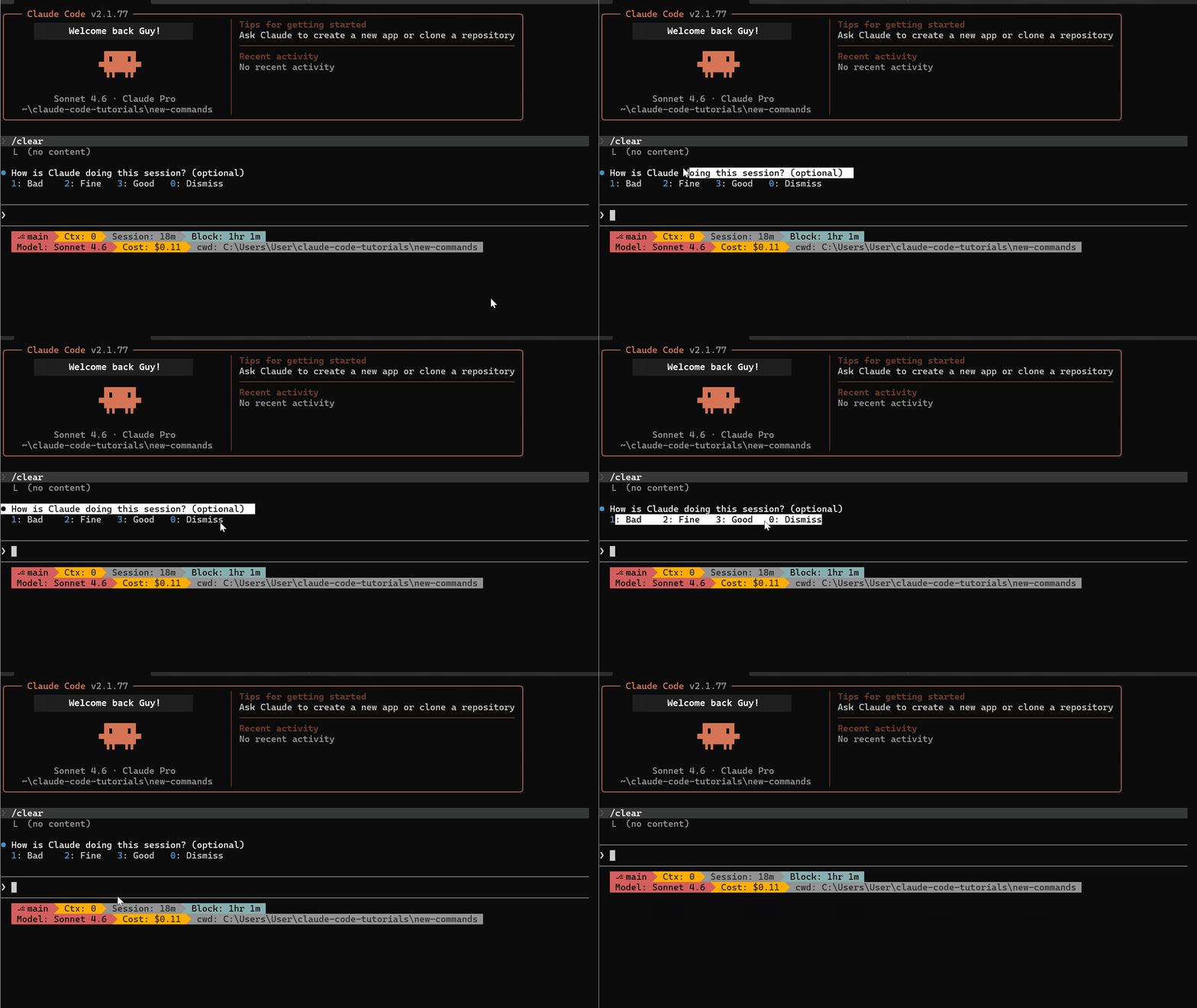
/effort — Control How Hard Claude Thinks
This is the one I use most. Before /effort, adjusting Claude's reasoning depth was buried inside the /model menu. Now it's a direct command.
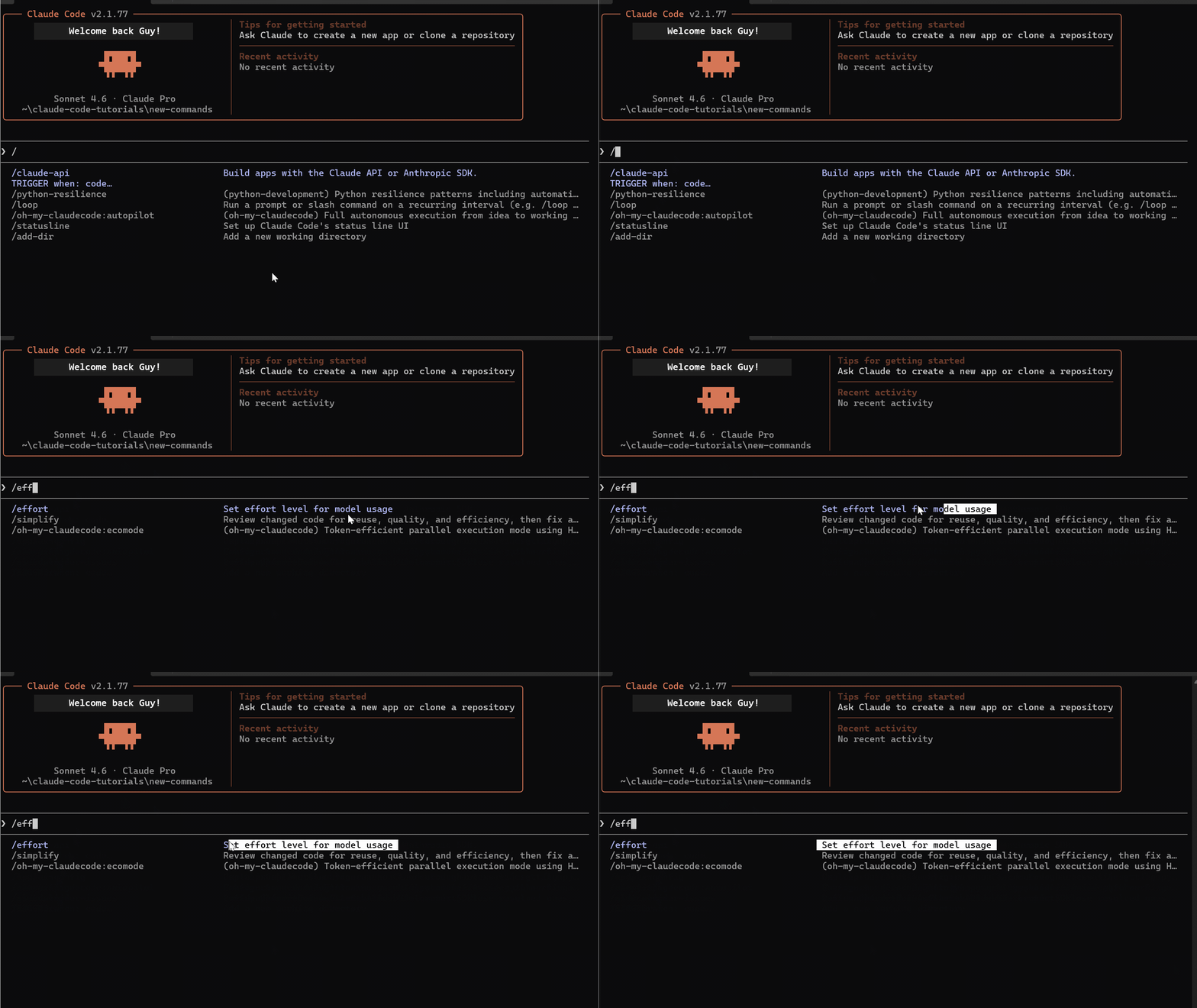
Type /effort and pick your level:
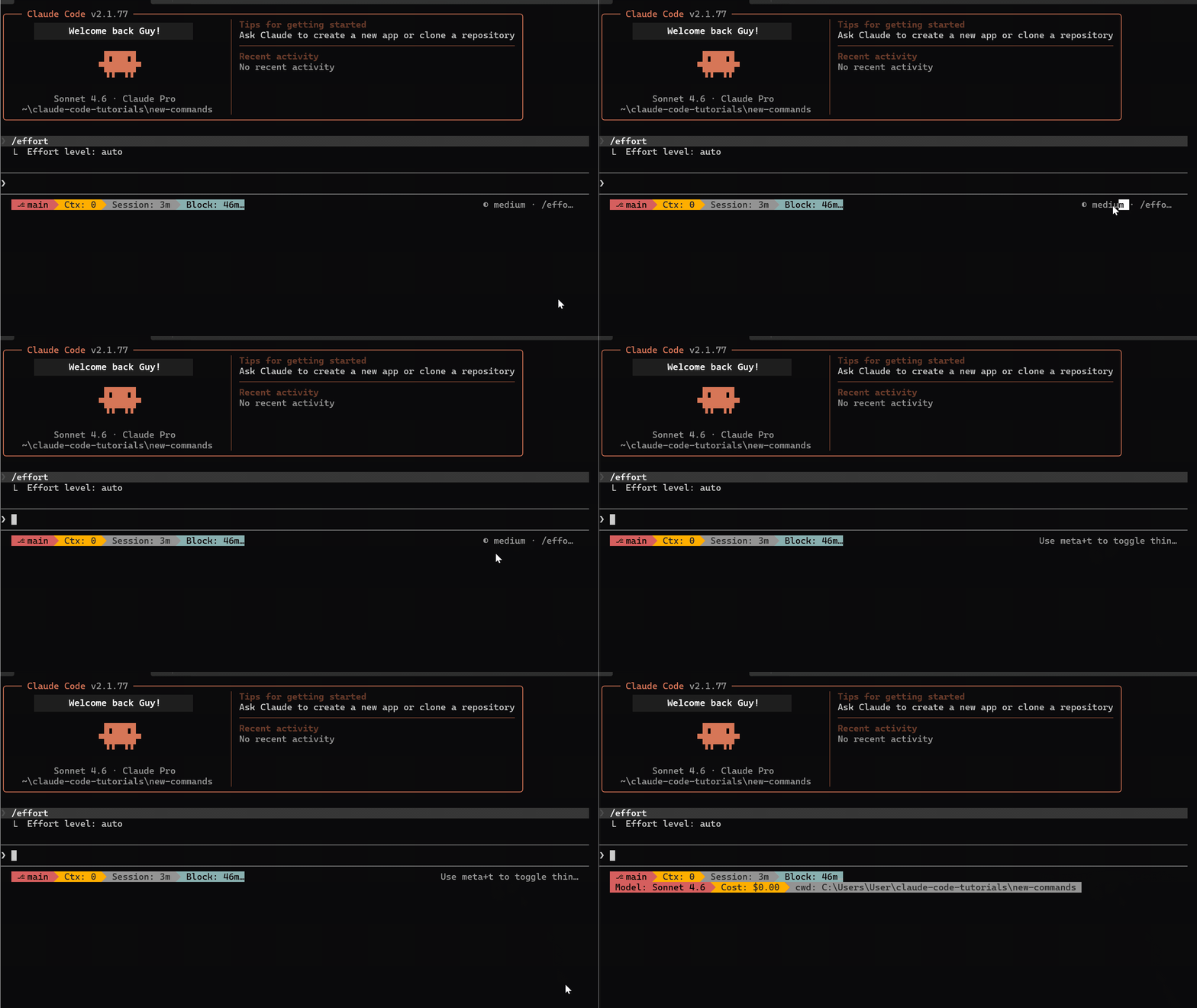
- Low — Skips deep reasoning. Fast and cheap. Great for renaming variables, formatting, simple edits.
- Medium — Balanced. The default sweet spot for daily coding work.
- High — Full reasoning power. Use for architecture decisions, complex debugging, multi-file refactors.
To reset: /effort auto — lets Claude decide based on task complexity.
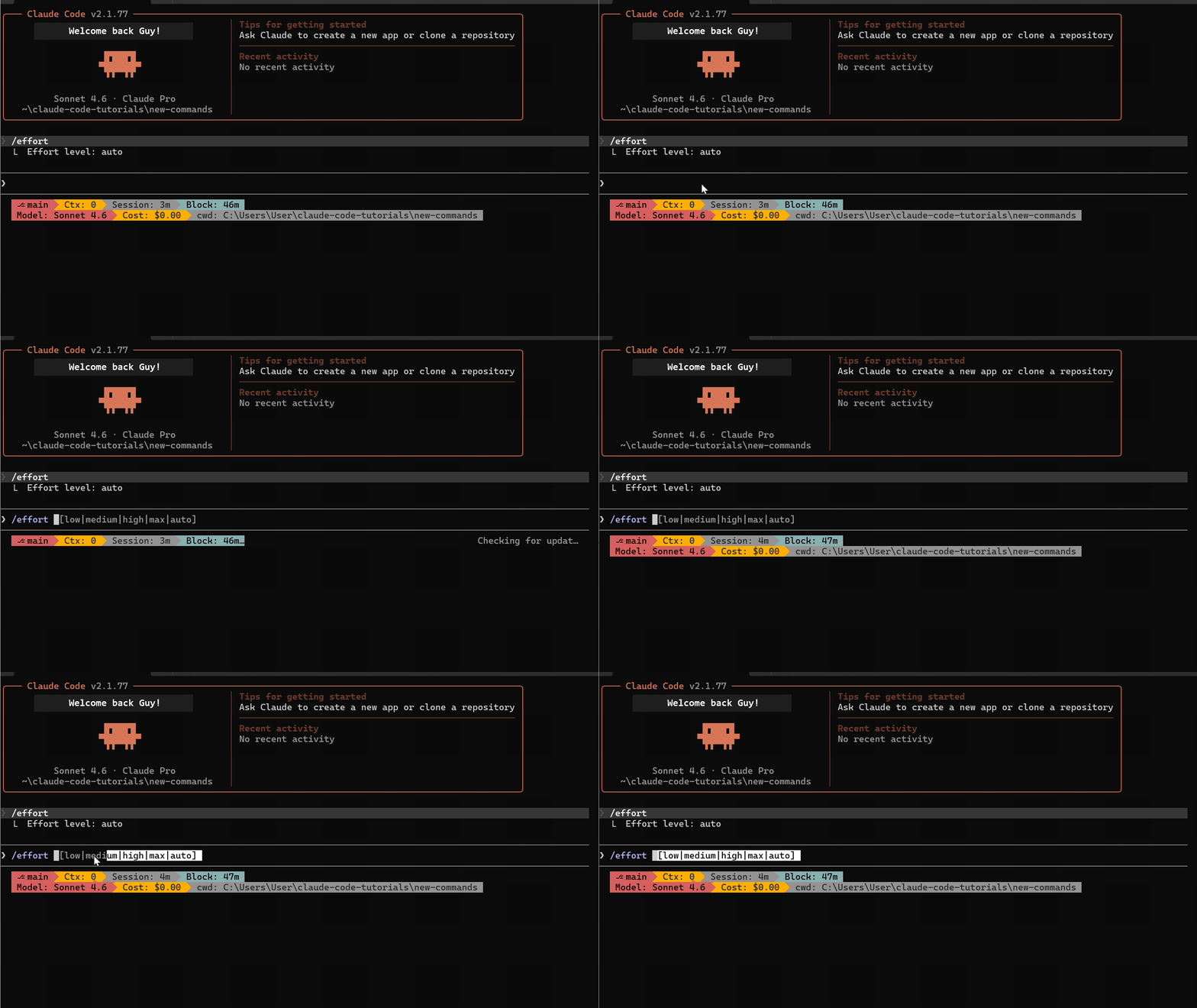
The key improvement: /effort now works while Claude is responding. You can switch effort levels mid-conversation without waiting for the current response to finish.
/loop — Automate Recurring Prompts
/loop lets you run any prompt or slash command on a recurring interval. Set the time, give it a task, Claude repeats it.
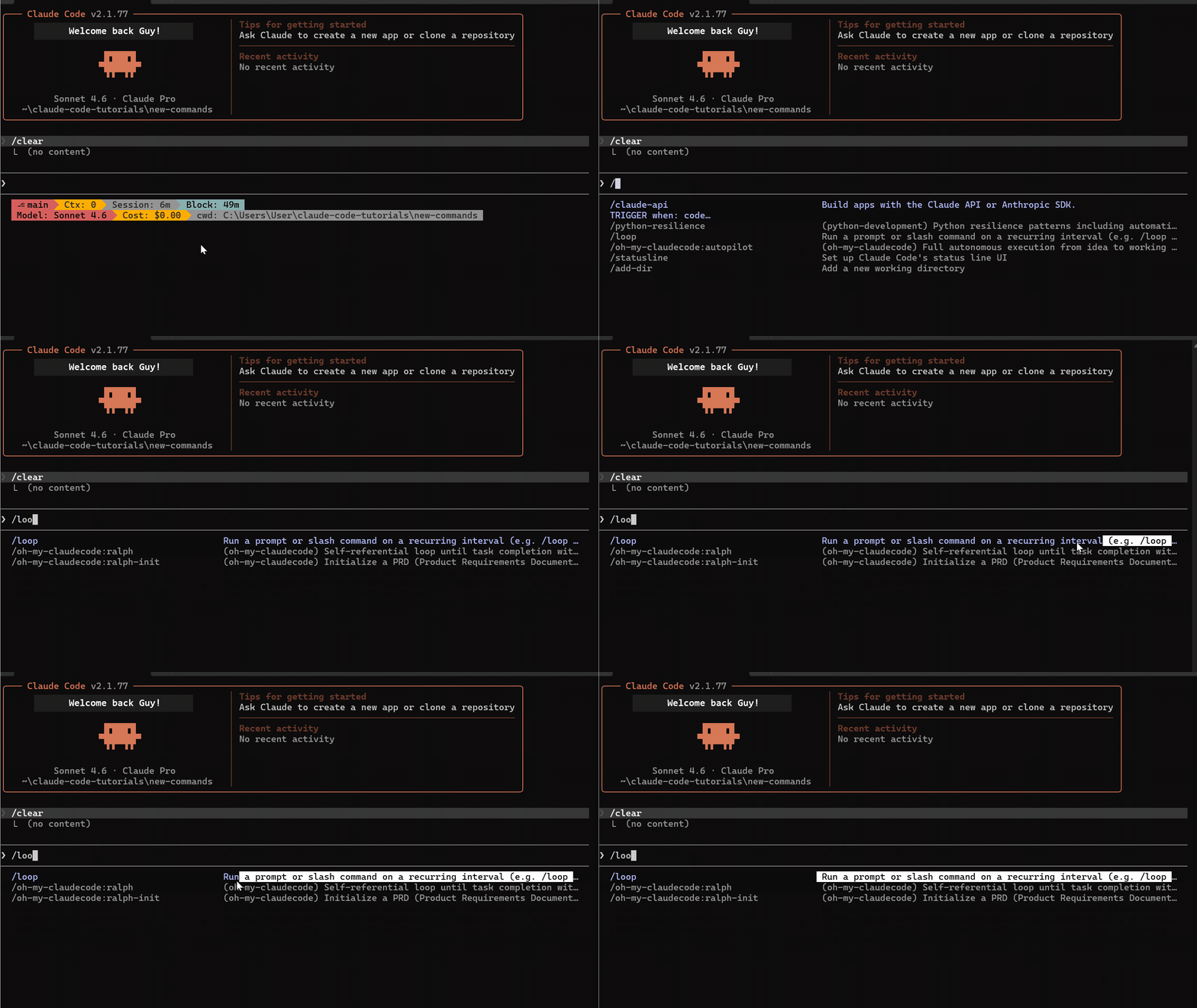
/loop 5m check the deploy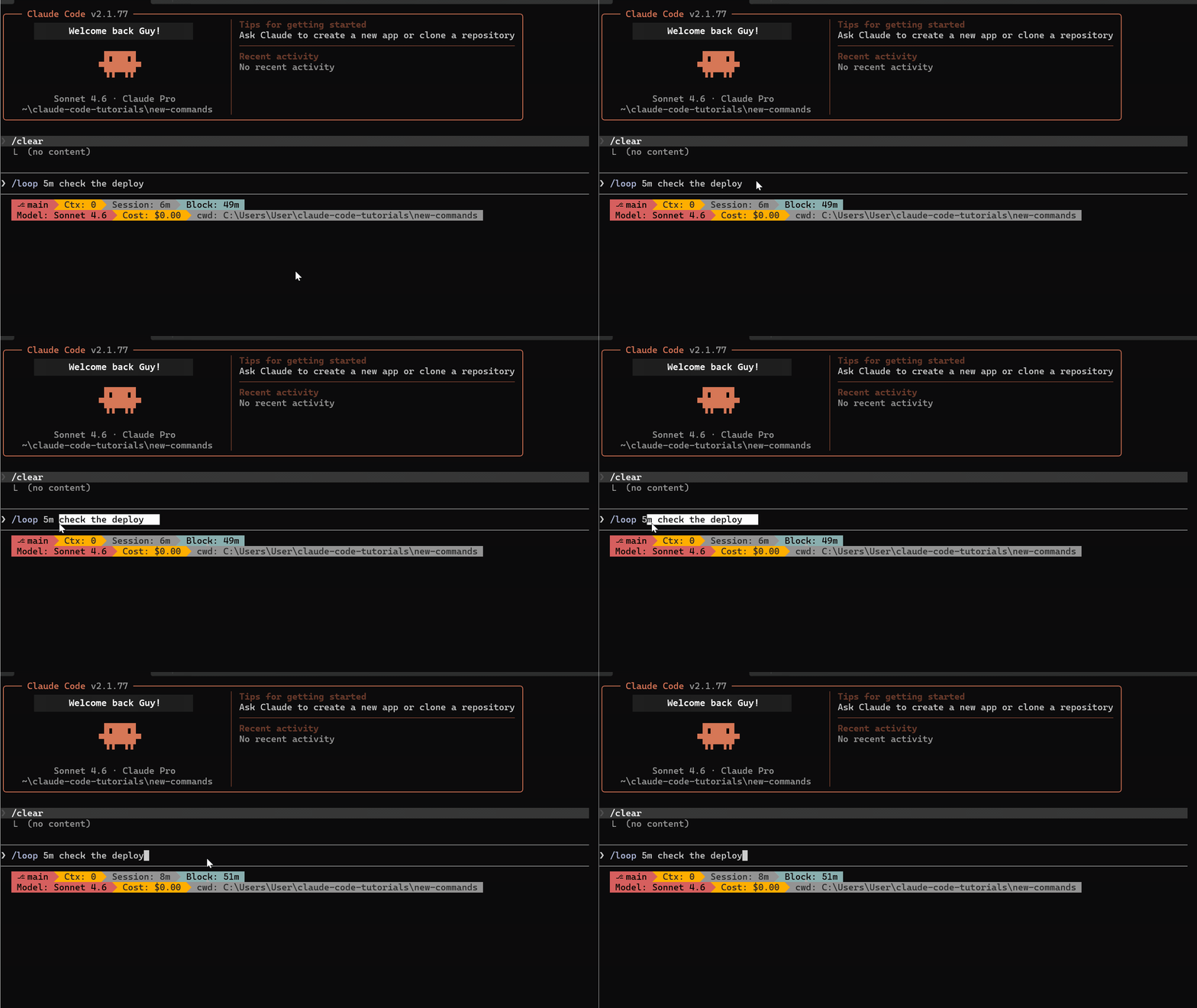
That checks deploy status every 5 minutes. You can pair it with any command:
/loop 10m /stats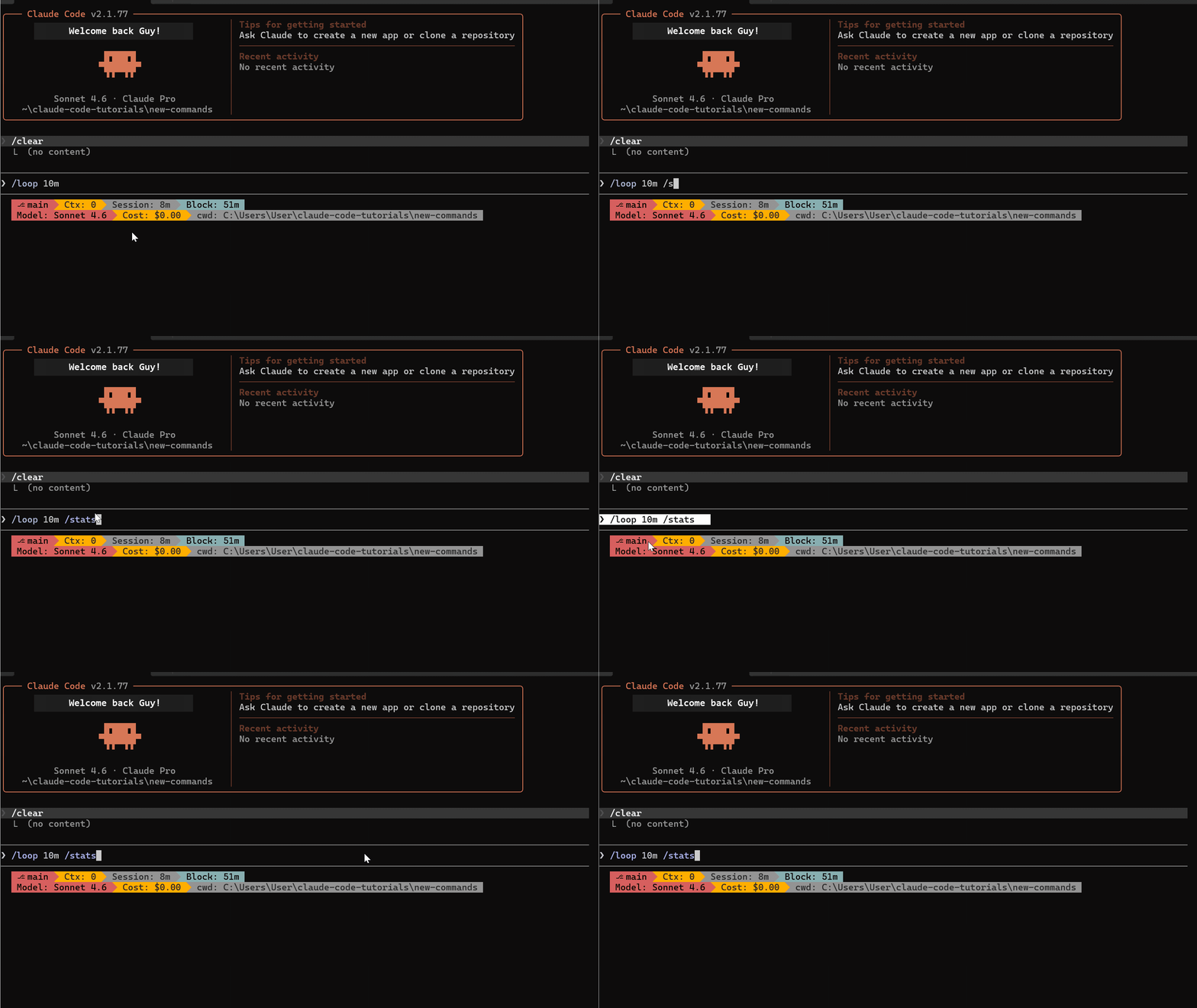
This runs /stats every 10 minutes to track token usage during long sessions.
Best use cases:
- Monitoring a running deployment
- Checking test results after changes
- Watching for build failures in CI
- Running periodic health checks
Pro tip: /loop works best for lightweight, read-only checks. Running heavy code generation on a loop will burn through tokens fast. Use it for monitoring — not for repeated builds or refactors.
To kill all loops: set CLAUDE_CODE_DISABLE_CRON=1.
/copy — Pick What You Want to Copy
Before /copy, getting code out of Claude responses meant scrolling and manual selection. /copy adds an interactive picker.
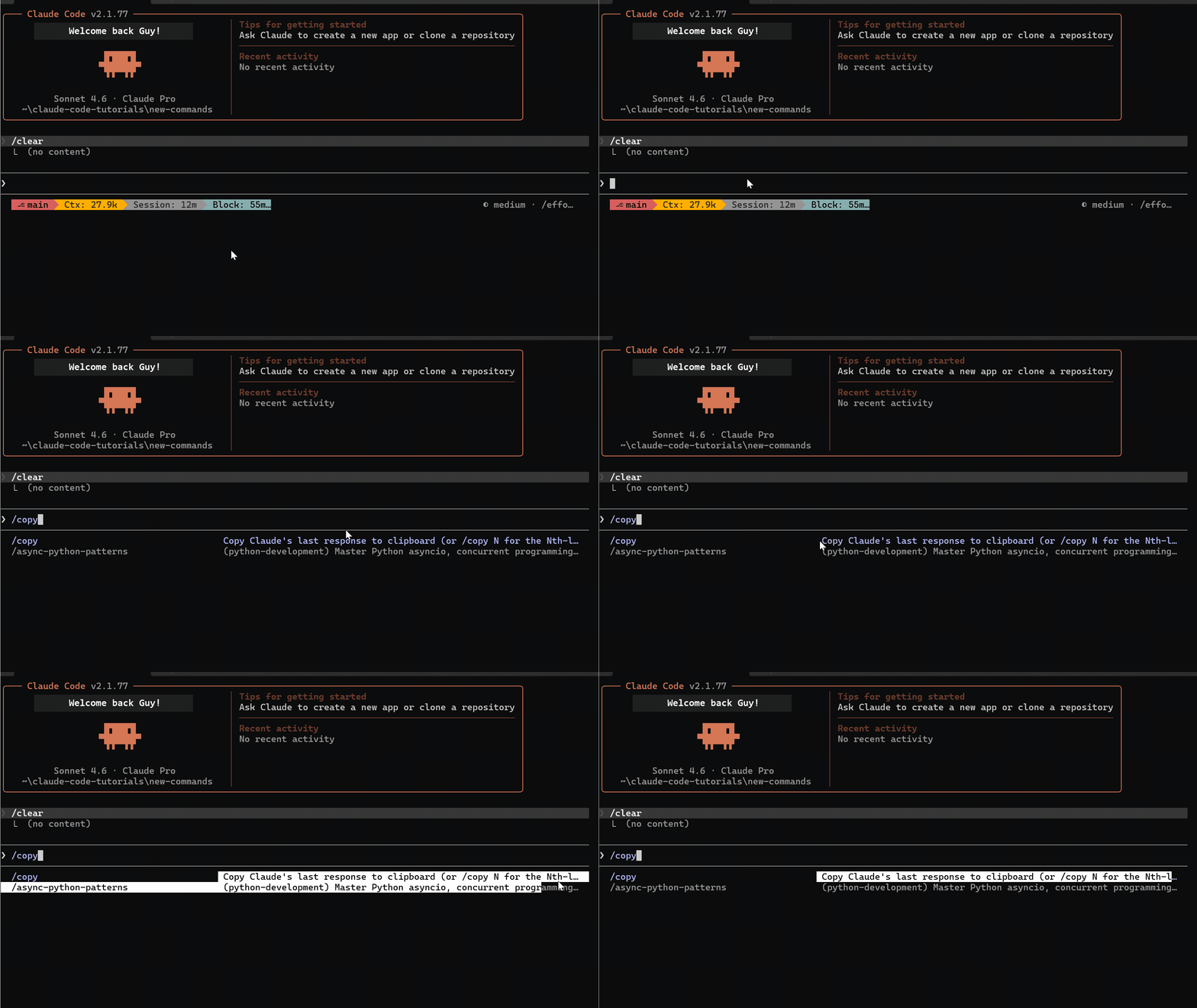
When Claude's response has code blocks, /copy lists each one individually:
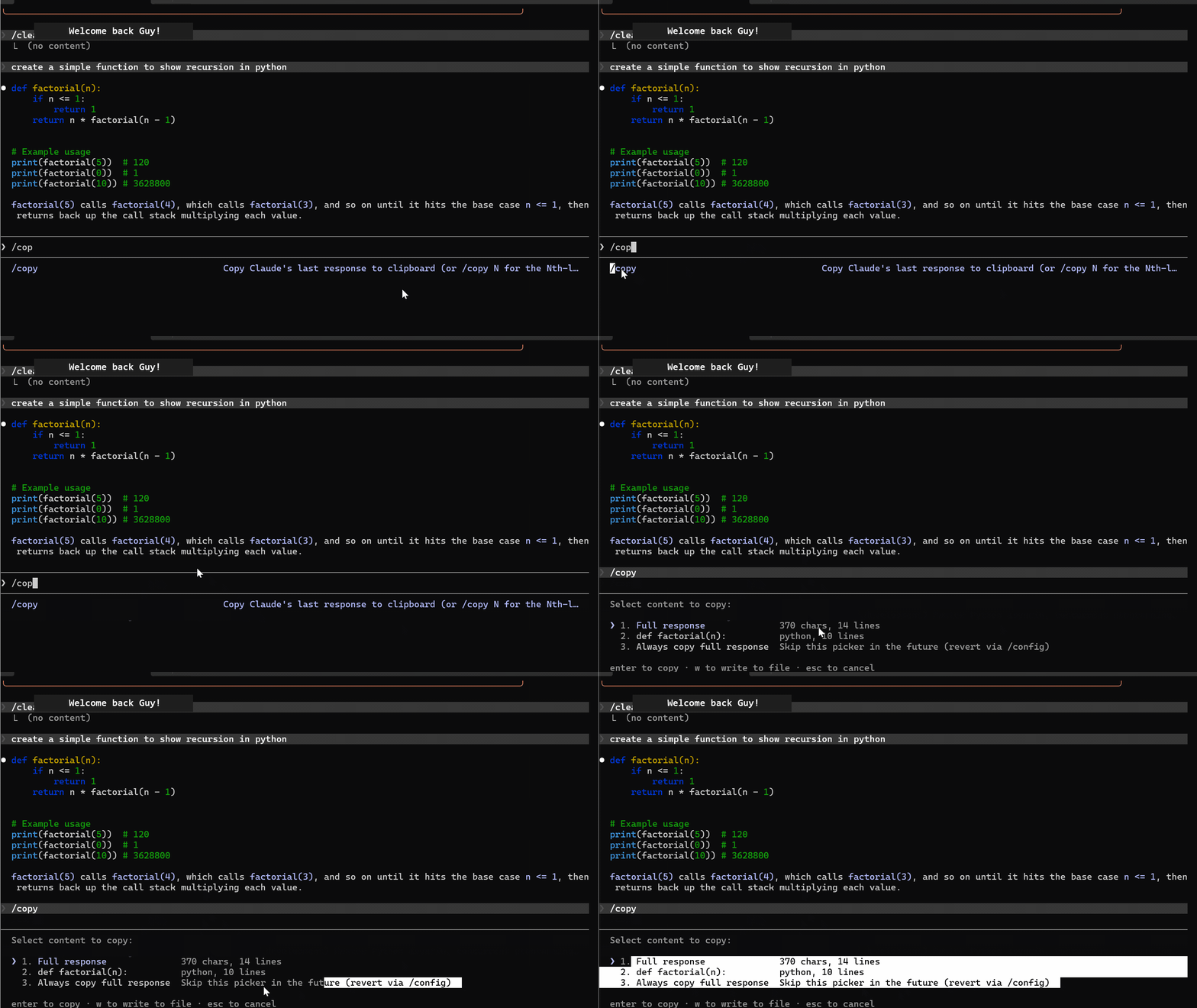
Select a specific block or grab the full response. Options include:
- Individual code blocks (component, API route, test file, etc.)
- Full response
SSH bonus: Press w on the focused selection to write directly to a file — bypasses clipboard entirely. If you've ever fought clipboard issues in tmux or remote sessions, this is a lifesaver.
"Always copy full response" mode: Select it from the picker, and future /copy commands skip the block menu entirely. Reset anytime through the picker.
/color — Color-Code Your Sessions
Simple but powerful when running multiple terminals.
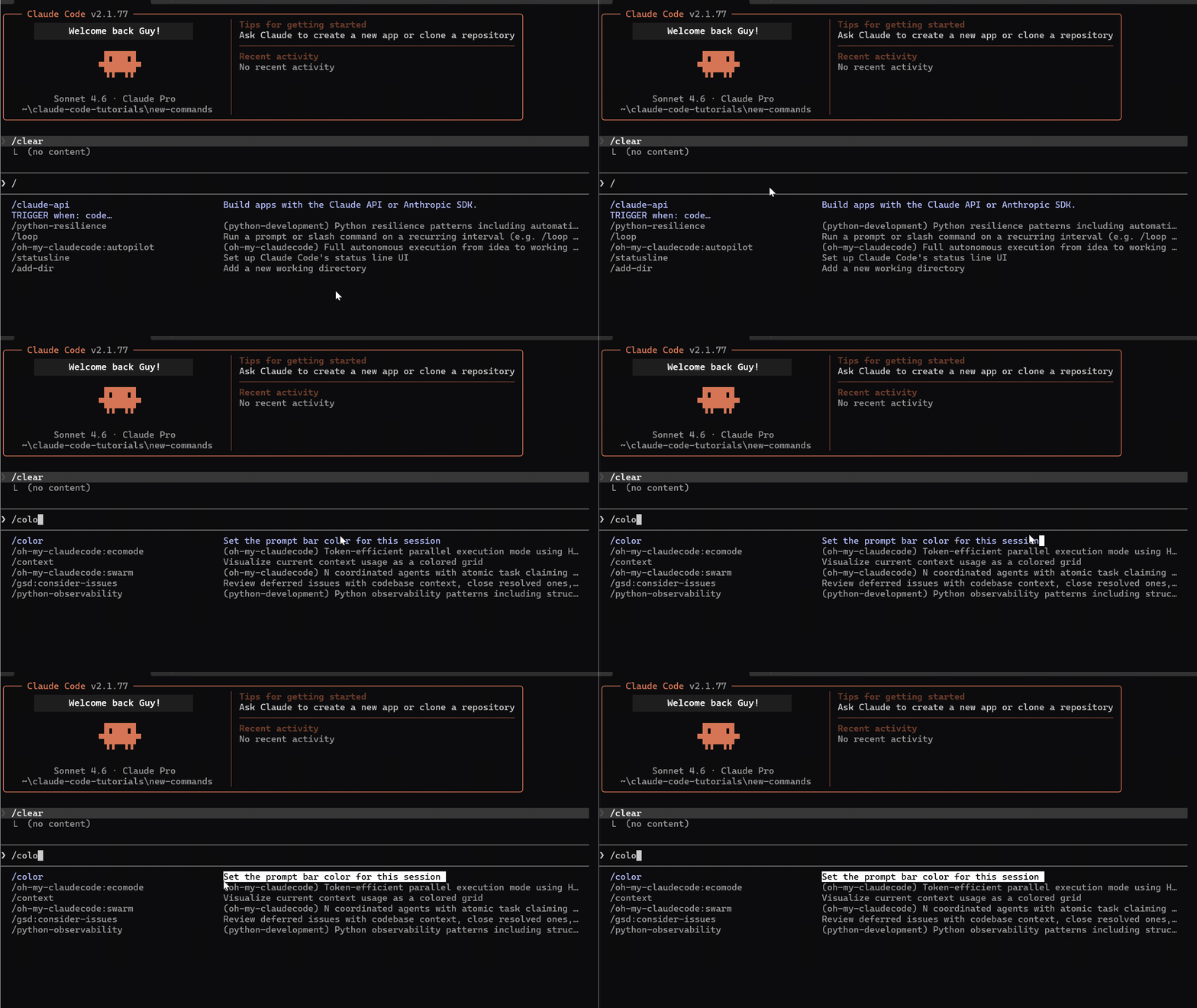
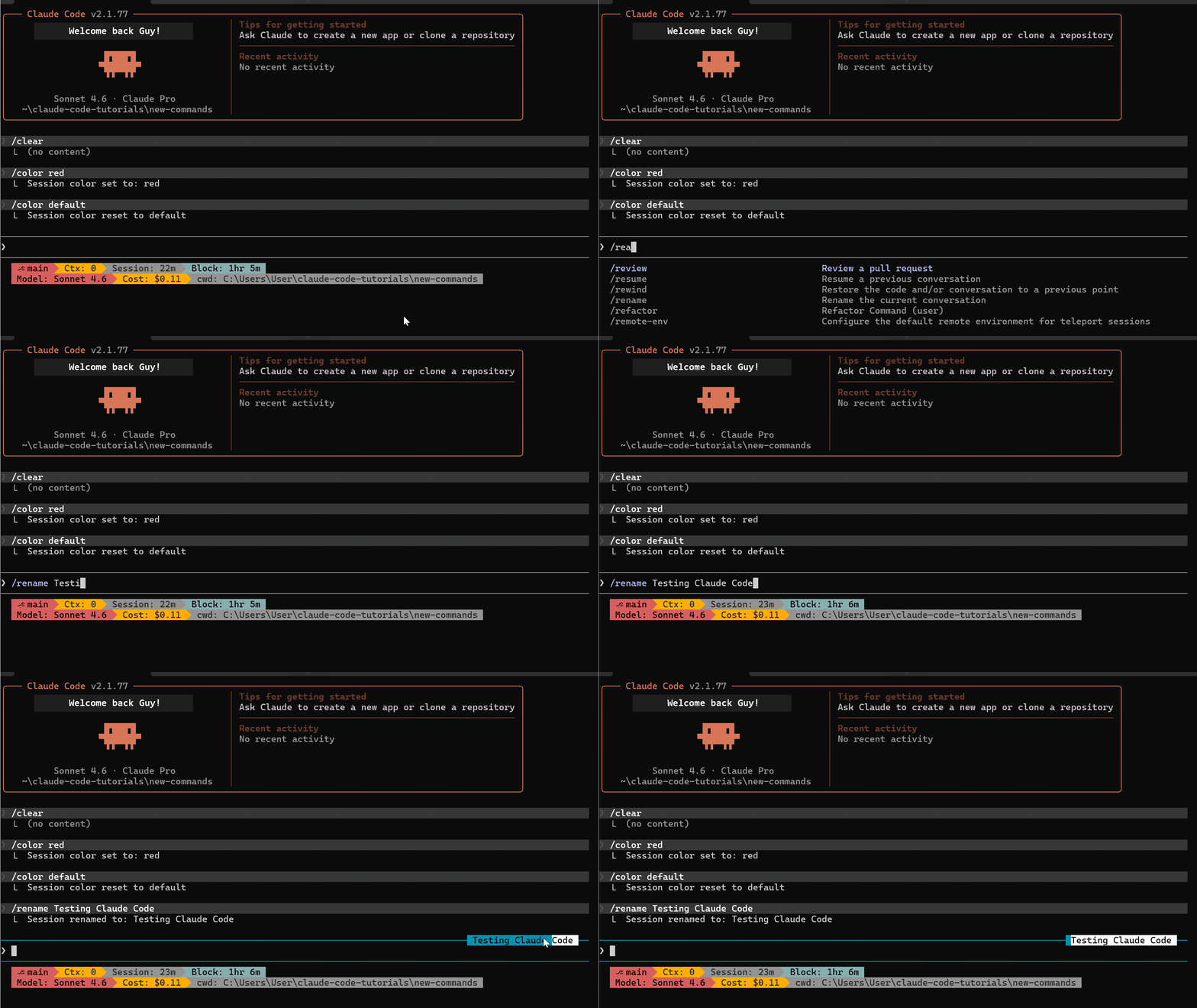
/color red sets a red prompt bar for the current session.
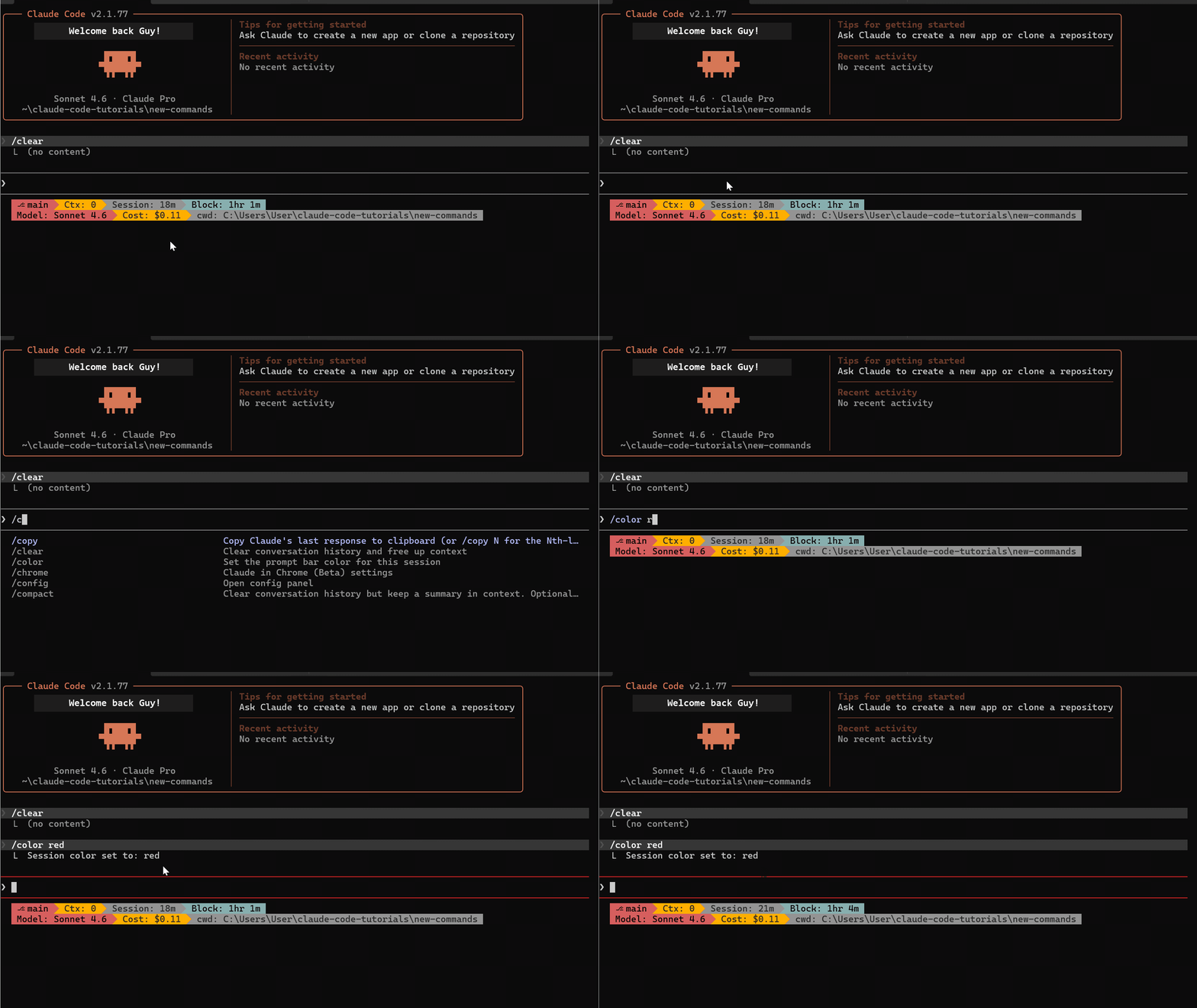
Running three terminals — frontend, backend, infrastructure? Give each a different color. At a glance, you know which session you're in.
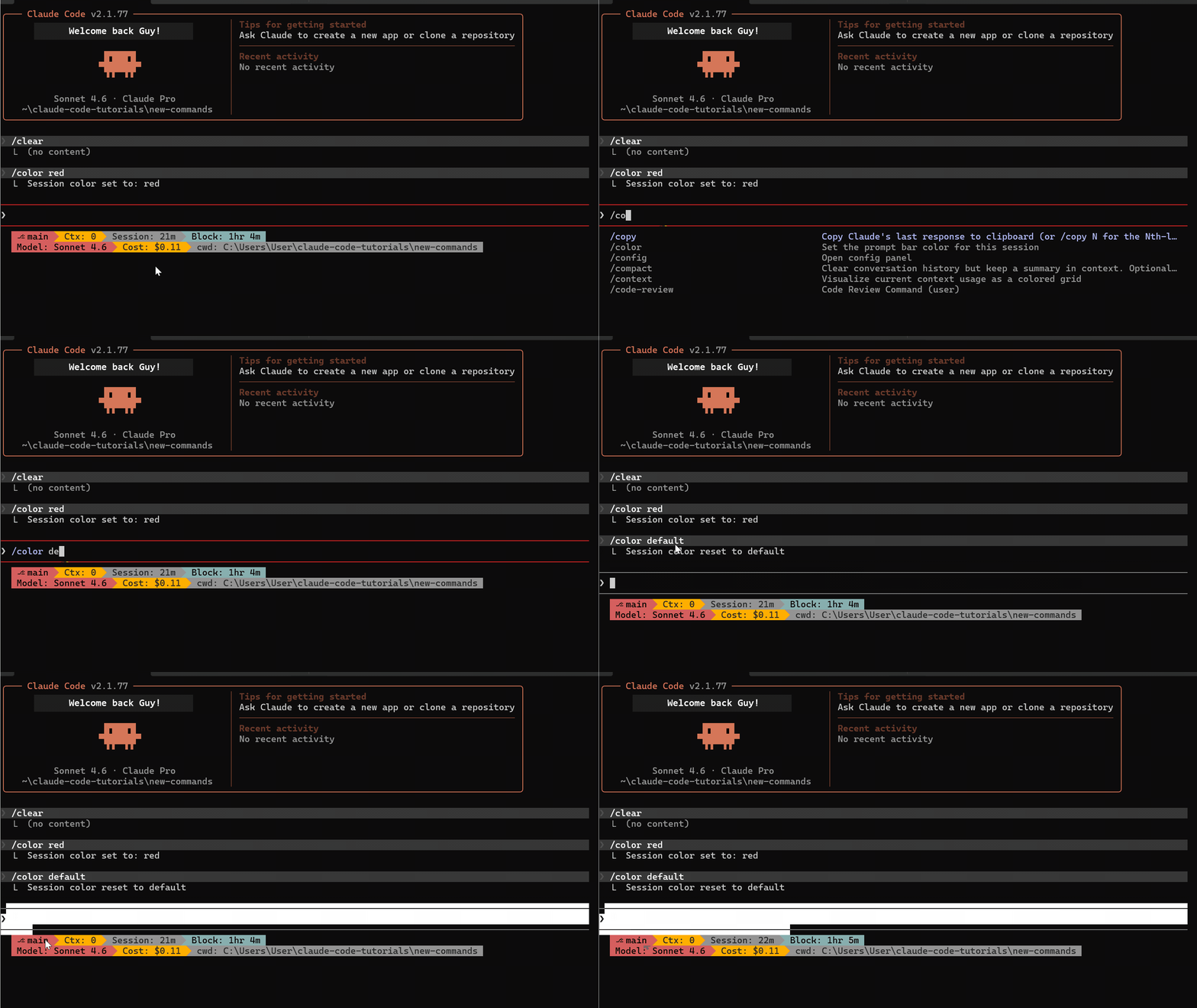
Reset with any of: /color default, /color gray, /color reset, /color none.
Pairing with /rename
/color works great alongside /rename. The session name now shows on the prompt bar — combine a color with a descriptive name like "auth-service" or "frontend-v2" for effortless session management.
/simplify — Parallel Code Review Agents
This is one of the most underrated commands in Claude Code. /simplify is a post-implementation cleanup tool. Build your feature, get it working, then run:
/simplify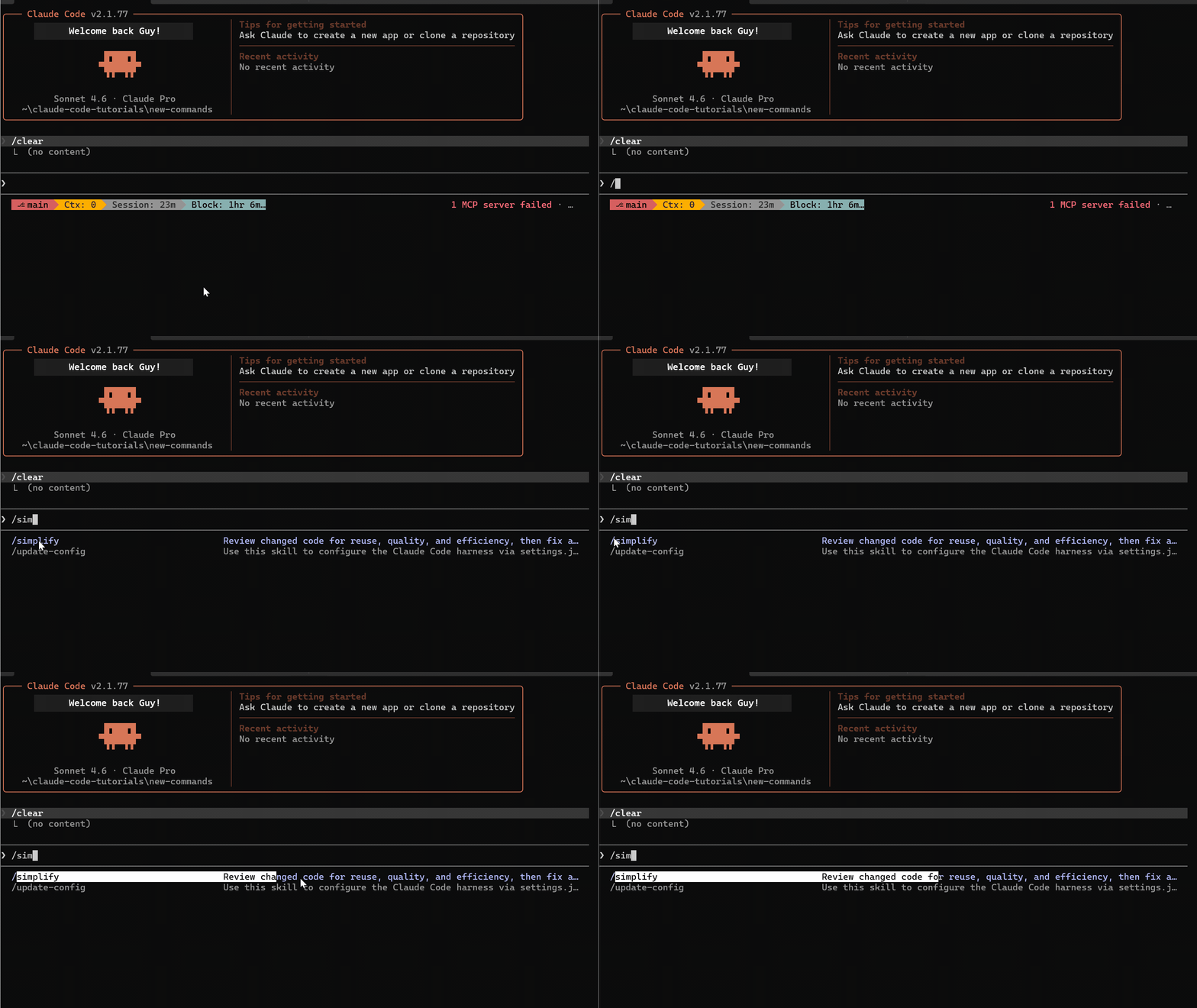
It checks git diff to find what changed, then launches three specialized agents in parallel:
- Code reuse agent — Finds duplicate logic and consolidates it
- Code quality agent — Catches code smells and enforces your CLAUDE.md rules
- Efficiency agent — Flags performance issues and structural improvements
All three run simultaneously. When done, /simplify aggregates findings and applies fixes in one pass.
You can focus it: /simplify focus on error handling
/batch — Parallel Migrations at Scale
If /simplify is your code quality pass, /batch is your migration engine. It handles the kind of work that usually means a long afternoon of find-and-replace across dozens of files.
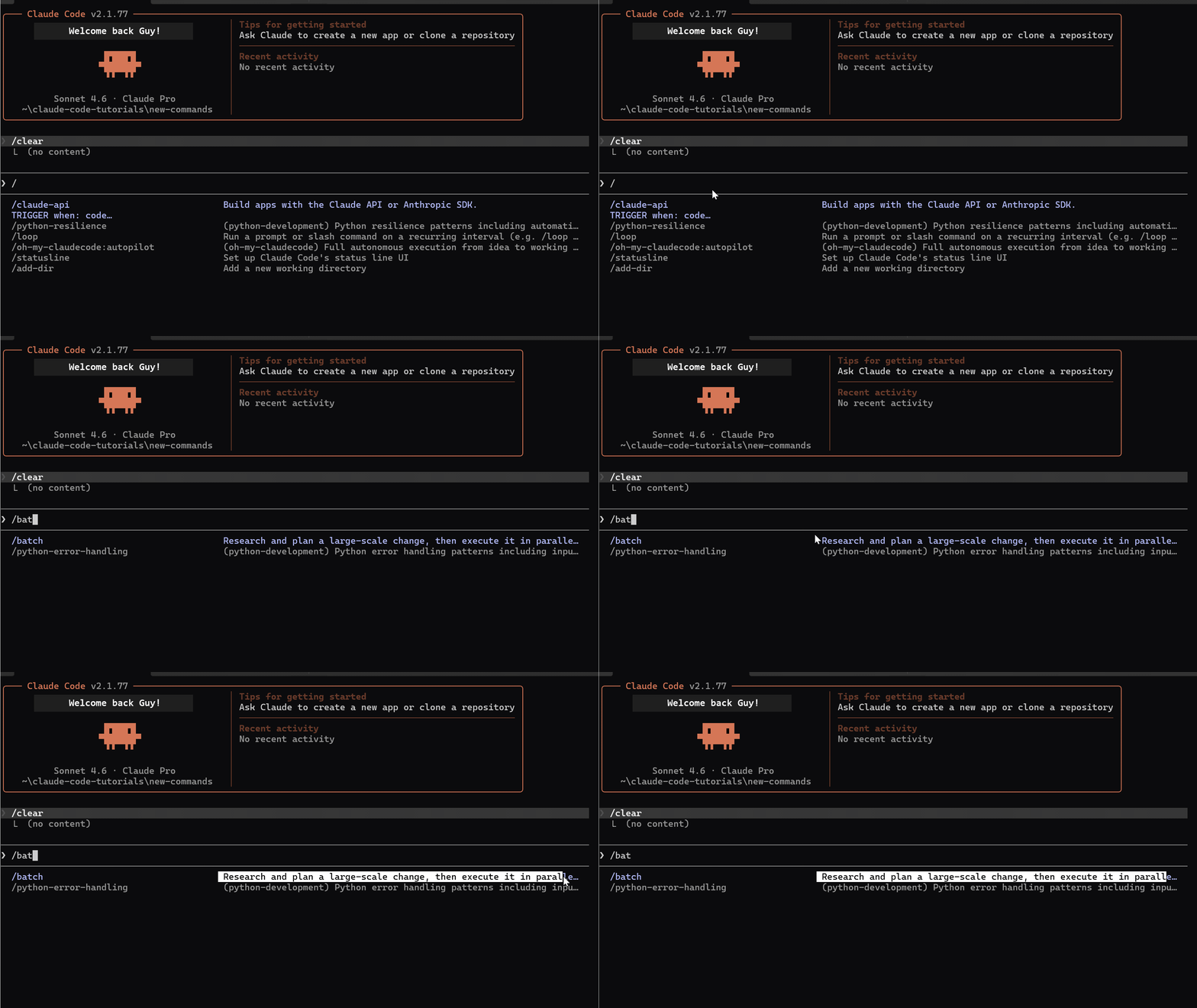
/batch migrate src/ from Jest to Vitest
/batch replace all uses of lodash with native equivalents
/batch add type annotations to all untyped function parameters
How it works:
- Research & Plan — Explores the entire directory, scans every file, produces a migration table. Presents the plan and waits for approval before touching any code.
- Execute in Parallel — Decomposes work into independent units, spawns agents in isolated git worktrees.
- Verify & PR — Each worker runs verification checks and
/simplifybefore creating PRs. Every pull request comes out pre-reviewed.
Key difference: /simplify = quality check on recent changes. /batch = large-scale migrations across many files. /batch thinks first, shows the plan, and waits for your approval.
/reload-plugins — Hot-Reload Without Restarting
If you build or use Claude Code plugins, this removes a major friction point.
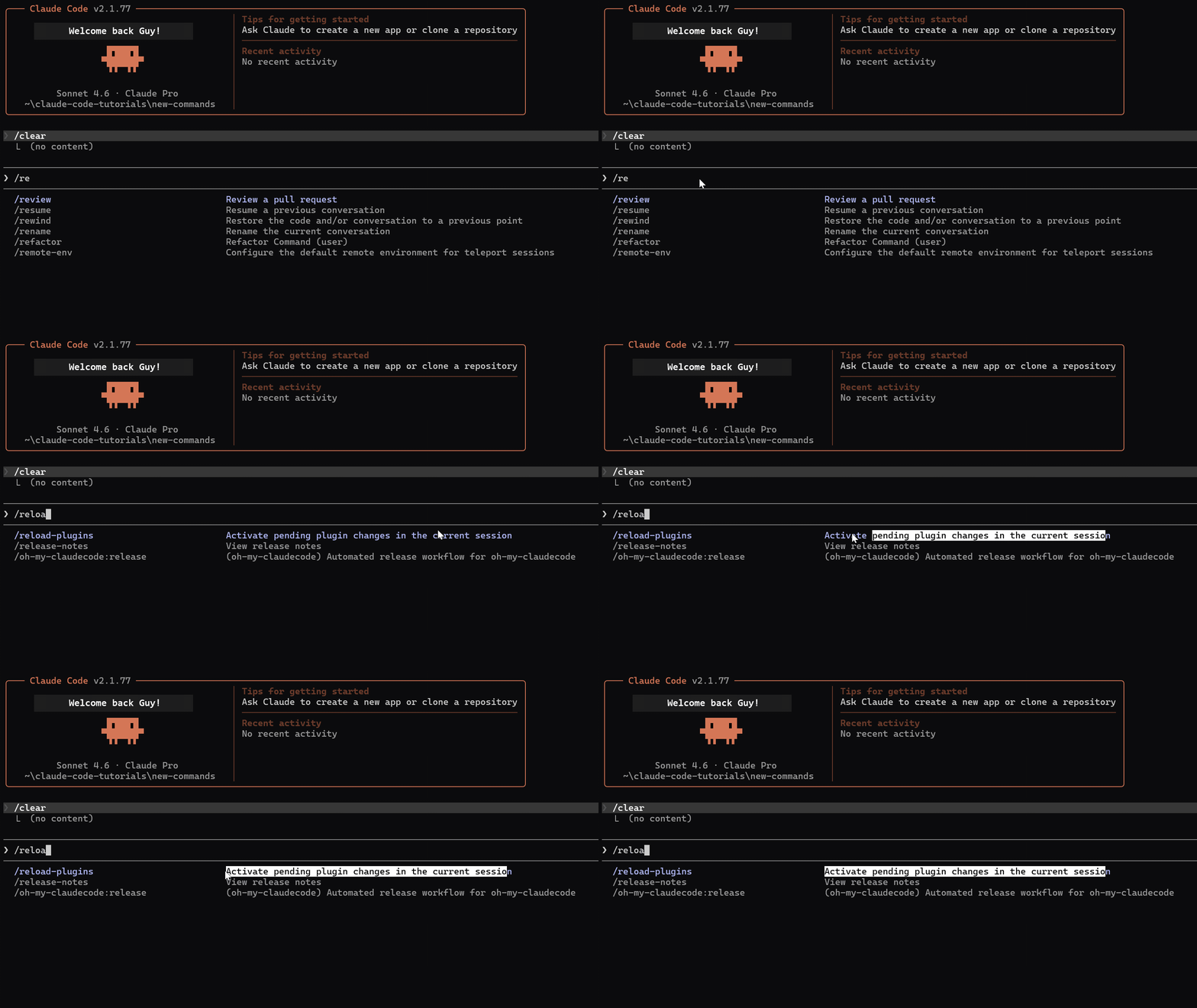
Previously, updating a plugin meant restarting your session — losing context, re-establishing state, waiting for reload. /reload-plugins activates pending changes immediately. Edit your plugin, run the command, changes take effect.
My Daily Setup
After using all of these for a few weeks, here's how they fit into my actual workflow:
/effort— I toggle this constantly. Low for quick fixes, high for architecture work./copy— Multiple times per session. Grabbing specific code blocks is so much faster now./color+/rename— Every session gets a color and name. Makes multi-terminal work manageable./simplify— After every feature. It's become a habit like running tests./loop— Occasionally, but powerful when monitoring deploys./reload-plugins— Essential when developing custom skills.
These commands didn't arrive as one big release — they were spread across multiple versions over a few weeks. That's exactly why most people missed them.
AI · Claude Code · Tutorial · Productivity